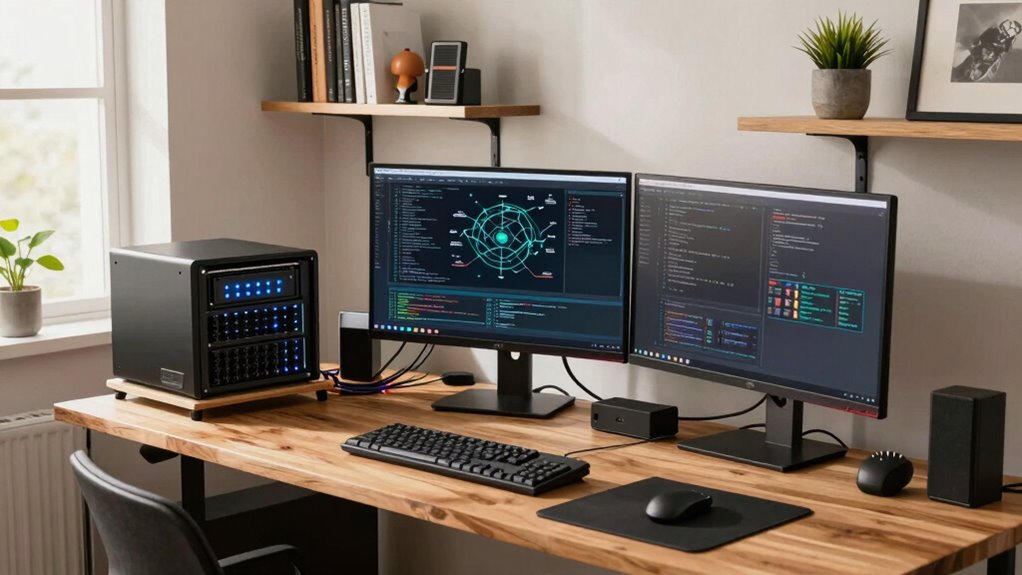

Many creator businesses are building private cloud setups at home to gain better control, enhance security, and easily scale their digital workflows. You can choose user-friendly platforms that support creative files, optimize workflows, and provide strong protection through encryption and access controls. Setting up your own private cloud involves selecting the right hardware, configuring security, and managing storage effectively. Keep your data safe and troubleshoot common issues to keep everything running smoothly—discover the full process as you explore further.

Get smart everyday buys delivered free — and shop member deals
- Fast, free delivery on millions of items
- Access to Prime Big Deal Days deals on October 6–7
- Prime Video, Amazon Music and more included
Key Takeaways
- Many creators are building private clouds at home for secure, customizable storage supporting high-resolution assets and collaborative workflows.
- Selecting scalable, user-friendly private cloud platforms ensures growth and ease of management for small creator businesses.
- Implementing strong encryption and access controls protects sensitive creative data from cyber threats.
- Regular backups and offsite storage strategies ensure data safety and quick recovery from potential failures.
- Optimizing network setup and troubleshooting enhances connectivity, stability, and overall performance of home-based private clouds.
As an affiliate, we earn on qualifying purchases.
What Is a Private Cloud and Why Creators Need One
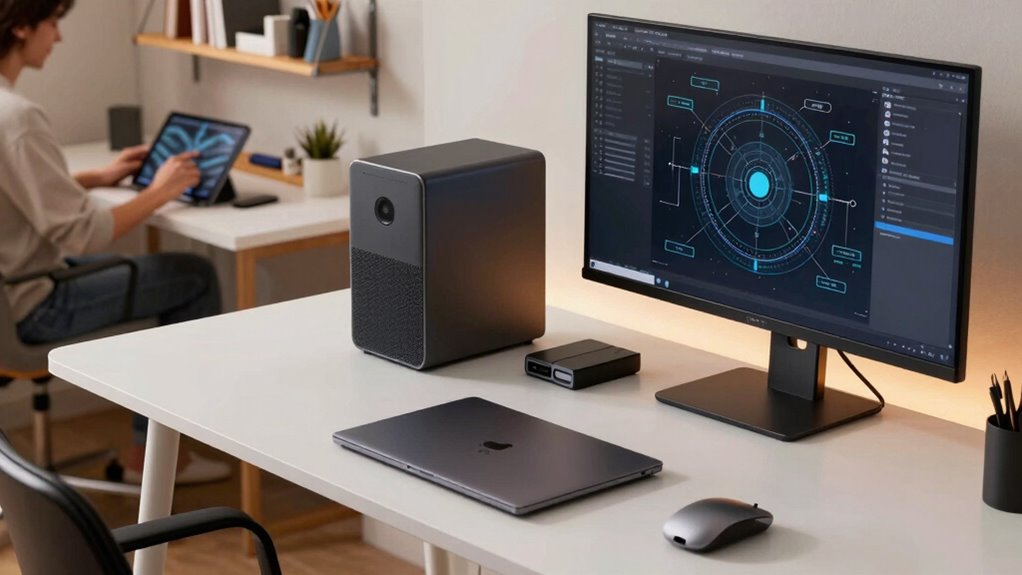
A private cloud is a dedicated computing environment that you control and customize to meet your specific needs, providing greater security and flexibility than public cloud options. With private clouds, you gain better cloud scalability, allowing you to effortlessly expand your resources as your creative projects grow. This setup supports seamless creative collaboration, enabling your team to share files, assets, and ideas securely from any location. You won’t have to worry about data breaches or privacy concerns that come with public clouds. Instead, you get a tailored environment where tools and storage fit your workflow perfectly. As a creator, this means faster project turnaround, enhanced team synergy, and confidence that your valuable content stays protected. A private cloud empowers you to focus on your craft without tech limitations, especially as you explore new digital content formats and research topics. Incorporating cloud security measures can further ensure your creative assets remain safeguarded against cyber threats.
private cloud storage for creators
As an affiliate, we earn on qualifying purchases.
As an affiliate, we earn on qualifying purchases.
How to Choose the Best Private Cloud Platform for Creators
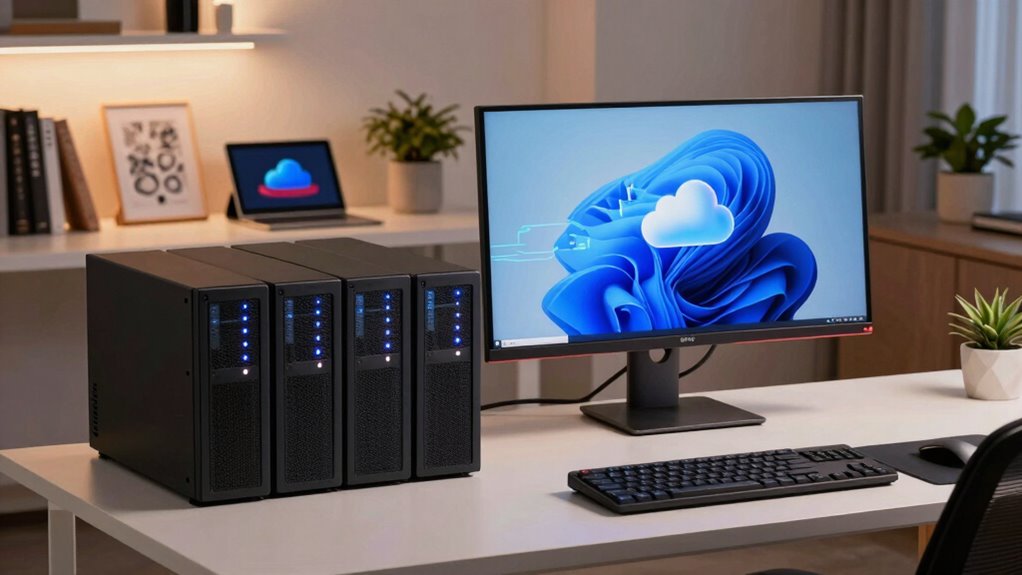
Choosing the right private cloud platform for your creator business involves evaluating features that align with your specific needs and workflow. Look for cloud scalability, so your storage and processing power can grow with your business without hassle. A flexible cloud should easily adapt to your changing demands, whether you’re handling larger media files or more collaborative projects. The user interface is equally important—choose a platform with an intuitive, user-friendly design that simplifies management and reduces setup time. A clean interface helps you navigate settings, monitor performance, and troubleshoot quickly. Avoid platforms with overly complex options or steep learning curves. By focusing on scalability and an easy-to-use interface, you’ll find a private cloud solution that supports your creative process and scales as your business expands. Additionally, selecting a platform that emphasizes user experience can significantly enhance your productivity and satisfaction.
As an affiliate, we earn on qualifying purchases.
Step-by-Step: Setting Up Your Private Cloud at Home
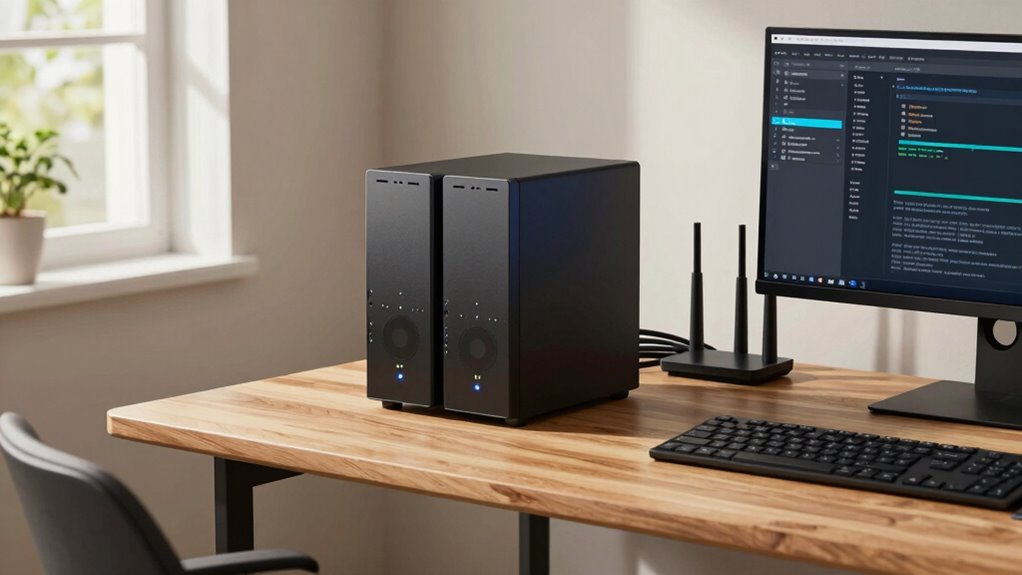
To set up your private cloud at home, you need to start by choosing the right hardware that fits your storage and performance needs. Once you have your hardware, configuring security settings is essential to protect your data from unauthorized access. Careful attention to both steps ensures a smooth and secure setup for your creator business. Additionally, understanding the importance of projector technology can help optimize your workspace for presentations or content sharing. Incorporating knowledge about data management best practices can further enhance your cloud environment and ensure your content remains safe and easily accessible.
Choosing the Right Hardware
Selecting the right hardware is essential for building a reliable private cloud that meets your creator business’s needs. Focus on hardware compatibility to guarantee all components work seamlessly together, avoiding issues down the line. Opt for energy-efficient options to reduce power consumption and lower operational costs, especially if your cloud runs 24/7. Consider a balance between performance and affordability; a capable CPU, sufficient RAM, and reliable storage are key for smooth operation. Small form factor servers or NAS devices are popular choices for home setups, offering good scalability. Avoid over-specifying hardware, which can lead to unnecessary expenses. Instead, choose hardware that aligns with your current workload and future growth plans, ensuring your private cloud remains dependable and cost-effective.
Configuring Security Settings
Securing your private cloud is essential because it protects your sensitive data and keeps unauthorized users out. You should enable strong encryption protocols to safeguard data in transit and at rest. Additionally, implement robust user authentication methods, such as two-factor authentication, to verify user identities. Regularly update security settings to patch vulnerabilities and monitor access logs for suspicious activity. Use the table below to understand the importance of these measures:
| Encryption Protocols | User Authentication |
|---|---|
| Protects data from | Ensures only authorized |
| interception and | users access your cloud |
| tampering | resources |
Understanding molecular-scale circuits can inform future innovations in secure data transmission and storage. Recognizing the role of system monitoring helps in identifying potential security breaches early, allowing for prompt responses. Incorporating advanced encryption methods further enhances overall security by addressing emerging threats. Staying informed about encryption protocols and their developments ensures your private cloud remains resilient against evolving cybersecurity challenges. Additionally, staying updated on cybersecurity trends is crucial for adapting your security measures to new vulnerabilities as they arise.
private cloud platform for small business
As an affiliate, we earn on qualifying purchases.
As an affiliate, we earn on qualifying purchases.
How to Keep Your Private Cloud Data Safe and Secure
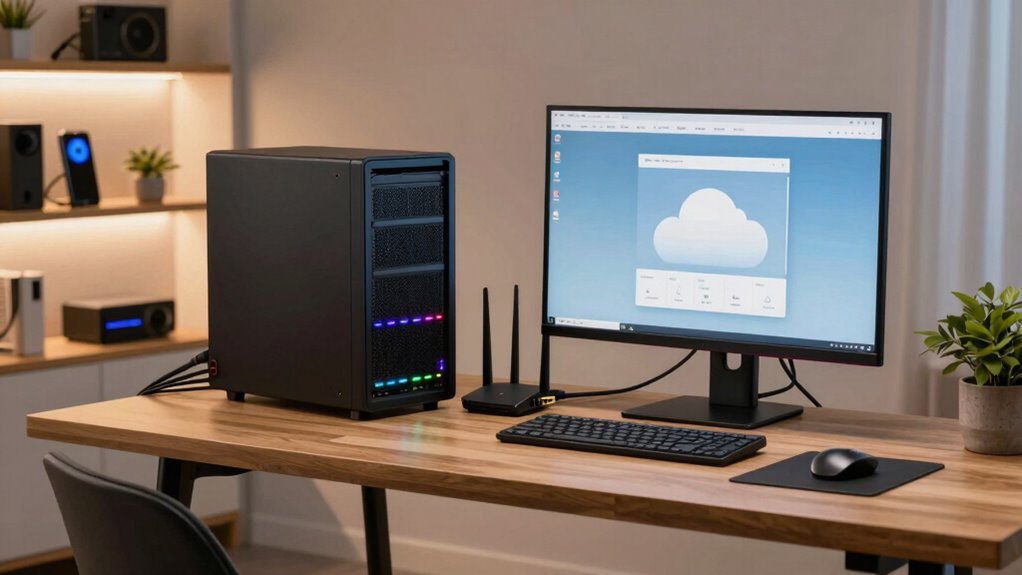
Ensuring your private cloud data remains safe and secure is essential for protecting your creator business. Start by implementing strong data encryption to safeguard sensitive files both at rest and during transfer. Encryption guarantees that even if someone gains unauthorized access, they can’t read your data without the decryption key. Develop reliable backup strategies to prevent data loss—regularly back up your files to an offsite location or cloud service. Automate backups to ensure consistency and reduce human error. Keep your security software up to date, and monitor access logs for suspicious activity. Use strong, unique passwords and enable two-factor authentication whenever possible. These steps create a layered defense, helping you maintain control over your creative assets and ensuring your data stays protected. Additionally, consider household safety tips to create a secure environment around your workspace, reducing risks of accidents or unauthorized access. Paying attention to security best practices can further strengthen your data protection measures. Incorporating cybersecurity awareness into your routine can also help you stay vigilant against potential threats. For example, understanding the importance of physical security can help prevent unauthorized individuals from gaining access to your hardware.
Customizing Storage and Workflow for Creative Files
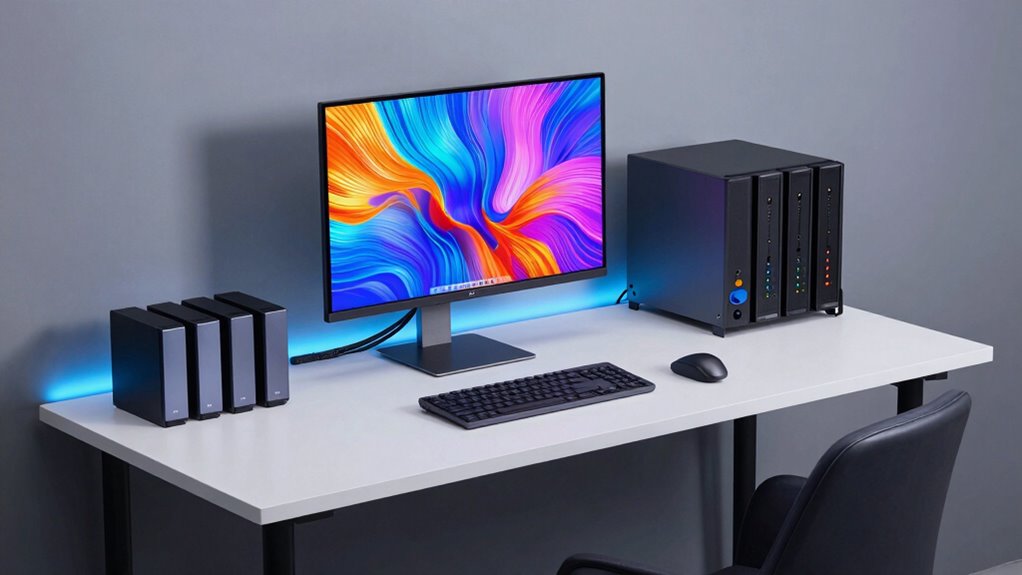
Since creative workflows and file types vary widely, customizing your storage setup can substantially boost your productivity and organization. Start by categorizing files based on projects, clients, or formats to improve file organization and quick retrieval. Use folders, tags, or metadata to streamline searchability. Incorporate tools that support creative collaboration, allowing team members to access, edit, and share files seamlessly. Automate backups and version control to prevent data loss and maintain workflow continuity. Tailoring your storage to fit your specific needs—whether it’s high-resolution assets, audio files, or design prototypes—so you can focus more on creation and less on searching. Additionally, implementing smart home safety features such as leak detectors or indoor air monitoring can help protect your workspace from unexpected hazards. Ensuring that your cloud security measures are robust is also crucial to safeguard your valuable creative assets from potential cyber threats. Developing a customized storage solution that aligns with your workflow can further optimize your creative process. A customized setup guarantees your private cloud adapts to your creative process, making collaboration smoother and workflow more efficient.
Troubleshooting Common Private Cloud Issues for Creators
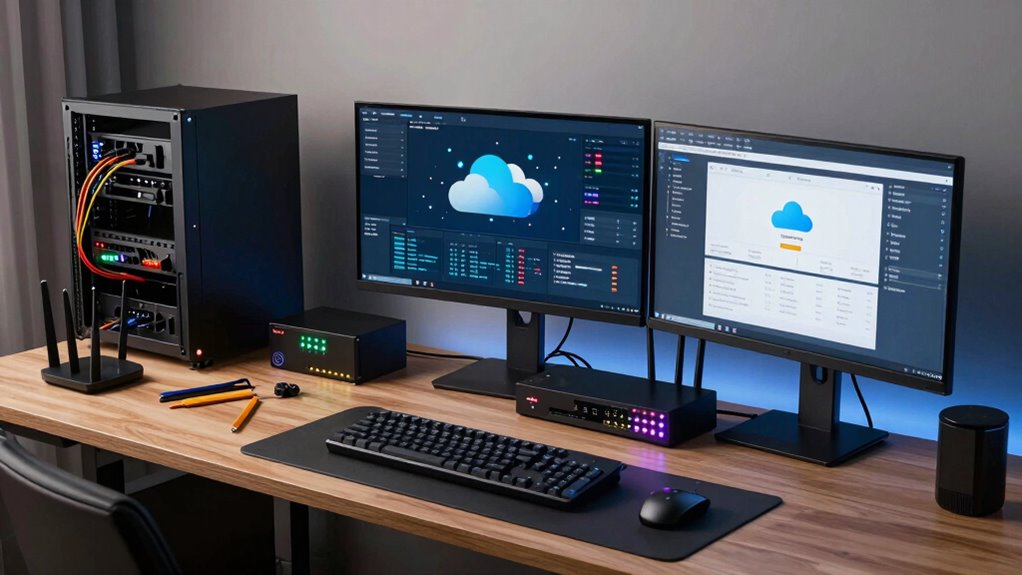
When your private cloud isn’t performing as expected, network connectivity issues can cause frustrating delays. You might also face storage capacity limits that hinder your creative work, or security and access control problems that compromise your files. Addressing these common issues promptly keeps your workflow smooth and your data protected. Regularly monitoring your system’s testing accuracy can help identify potential problems before they impact your productivity. Incorporating the right DIY tools and safety tips can also help prevent hardware mishaps during troubleshooting. Additionally, understanding AI-powered solutions can streamline your troubleshooting process and improve system resilience. For example, implementing monitoring strategies inspired by fitness tracking can help you maintain optimal system performance and prevent issues before they arise. Developing a growth mindset within your troubleshooting approach can also foster resilience and continuous improvement in managing your private cloud.
Network Connectivity Challenges
Network connectivity issues are among the most common obstacles creators face when setting up a private cloud. Wireless interference from other devices or neighboring networks can disrupt your connection, causing slow data transfer or dropped links. To troubleshoot, check your Wi-Fi channel and switch to less congested frequencies. Bandwidth bottlenecks are another challenge, especially when multiple devices compete for the same connection. Prioritize traffic for your private cloud by using Quality of Service (QoS) settings on your router, or consider upgrading to a higher-speed plan. Confirm your network hardware is up-to-date and capable of handling your data load. Regularly test your connection speed and stability to identify persistent issues, and address them promptly to maintain smooth, reliable access to your private cloud environment. Additionally, understanding your network infrastructure can help identify underlying issues affecting your setup.
Storage Capacity Limits
Limited storage capacity can quickly become a bottleneck as your creator business grows and your data needs expand. To handle this, focus on cloud scalability, which allows you to add storage as needed without disrupting workflows. Also, consider implementing data redundancy to protect against data loss, ensuring your files are safely duplicated across multiple drives or servers. Incorporating enterprise USB backups can further enhance your data protection strategy by providing reliable, portable backup options. Additionally, choosing scalable storage solutions that adapt to your evolving needs can prevent downtime and data management issues.
To maximize your setup:
- Regularly monitor storage usage to identify when upgrades are needed
- Invest in scalable storage solutions that expand easily
- Maintain data redundancy to safeguard your valuable content
Security and Access Control
Ensuring your private cloud remains secure and accessible is essential as your creator business expands. You need to protect user privacy while managing access restrictions effectively. Proper security measures prevent unauthorized access and data breaches. Regularly update your security protocols, use strong passwords, and enable multi-factor authentication. Set clear access rules, limiting permissions based on roles to minimize risks. To help, here’s a quick overview:
| Issue | Solution |
|---|---|
| Unauthorized access | Implement access restrictions and user authentication |
| Data leaks or breaches | Encrypt sensitive data and monitor activity logs |
| User privacy concerns | Regularly review permissions and ensure compliance |
Frequently Asked Questions
How Much Does Setting up a Private Cloud Cost Initially?
Setting up a private cloud can cost anywhere from $1,000 to $10,000 initially, depending on your hardware choices. You’ll need reliable servers, storage, and networking gear, with scalability in mind for future growth. Cloud security features, like firewalls and encryption, add to expenses. Investing in scalable hardware guarantees your cloud can expand seamlessly, making initial costs worthwhile for long-term flexibility and protection.
Can Private Clouds Support Collaboration With Remote Team Members?
Yes, private clouds support collaboration with remote team members effectively. You can enable remote access securely, allowing your team to access files and applications from anywhere. Plus, data security remains a priority, as private clouds offer controlled environments with encryption and strict access controls. This setup helps you foster seamless teamwork while keeping sensitive information protected, making it ideal for creator businesses working remotely.
What Are the Power and Cooling Requirements for a Home Private Cloud?
A stitch in time saves nine, so plan your power and cooling needs carefully. For a home private cloud, guarantee your setup has energy-efficient hardware to reduce running costs and prevent overheating. You’ll want a reliable cooling system, like a dedicated air conditioner or fan, to handle heat dissipation. As your needs grow, prioritize hardware scalability, so your system stays efficient without overloading your power supply or cooling capacity.
How Often Should Private Cloud Hardware Be Upgraded or Maintained?
You should upgrade or maintain your private cloud hardware every 3 to 5 years to guarantee hardware longevity and peak performance. Regular maintenance schedules, like checking cooling systems, updating firmware, and cleaning components, are essential monthly or quarterly. These practices prevent overheating and hardware failures, helping you extend your equipment’s lifespan and keep your private cloud running smoothly. Staying proactive with upgrades and maintenance saves you time and money in the long run.
Is Professional Help Necessary for Setting up a Private Cloud at Home?
While you might think you can set up a private cloud on your own, professional help is often worth it, especially for secure home networking and data security. Experts guarantee your hardware is correctly configured, reducing risks of vulnerabilities. They can help optimize your system’s performance and safeguard sensitive data, giving you peace of mind. If you’re serious about your home cloud, investing in professional assistance ensures a robust, secure setup.
Conclusion
Setting up a private cloud at home might seem overwhelming, but it’s a game-changer for your creative work. With the right platform and security measures, you can enjoy seamless access to your files anytime, anywhere. Don’t worry if tech isn’t your thing—step-by-step guides make it manageable. Embrace the flexibility and control it offers, and soon, you’ll wonder how you ever worked without your own private cloud supporting your creative journey.
Fall Picks
fall essentials
As an affiliate, we earn on qualifying purchases.