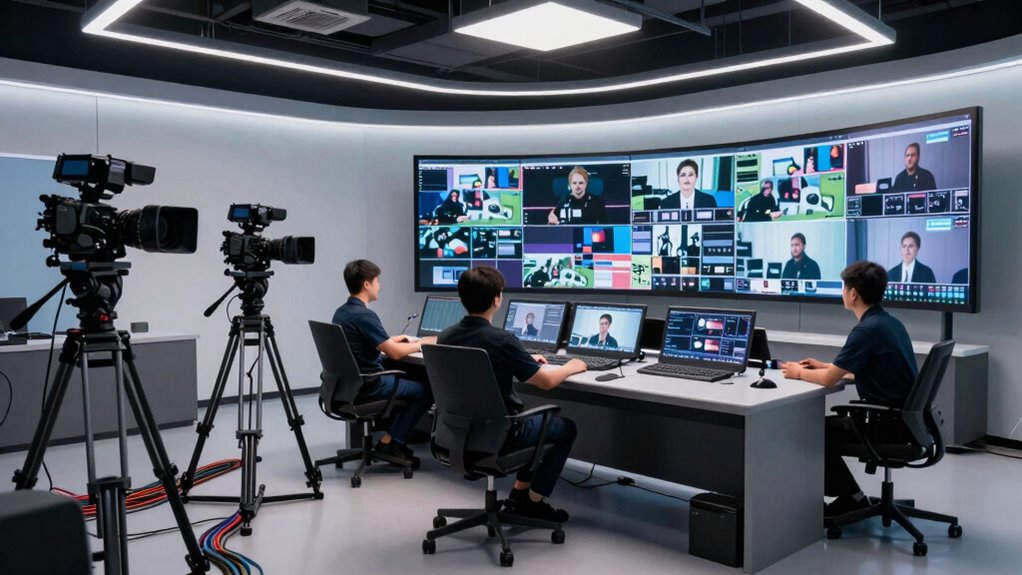

To add multi-camera production smoothly, plan every detail ahead of time. Define your goals, map out camera angles, and create shot lists or storyboards to stay organized. Communicate clearly with your team using headsets and assign roles to avoid confusion. Use reliable switchers, keep equipment organized, and rehearse to identify issues early. Discipline and proper planning are key—continue with these tips to master chaos-free multi-camera setups.

Get smart everyday buys delivered free with Prime
- Fast, free delivery on millions of items
- Prime Video, Amazon Music and more included
- Member-only deals all year
Key Takeaways
- Plan and map camera positions and angles thoroughly before production to ensure seamless coverage and transitions.
- Use detailed shot lists and storyboards to keep the crew aligned and reduce on-the-fly confusion.
- Assign clear roles and effective communication tools like headsets for real-time coordination.
- Maintain organized equipment, label cables, and conduct rehearsals to identify and resolve potential issues early.
- Utilize switchers and automation tools to streamline transitions and enhance workflow efficiency.
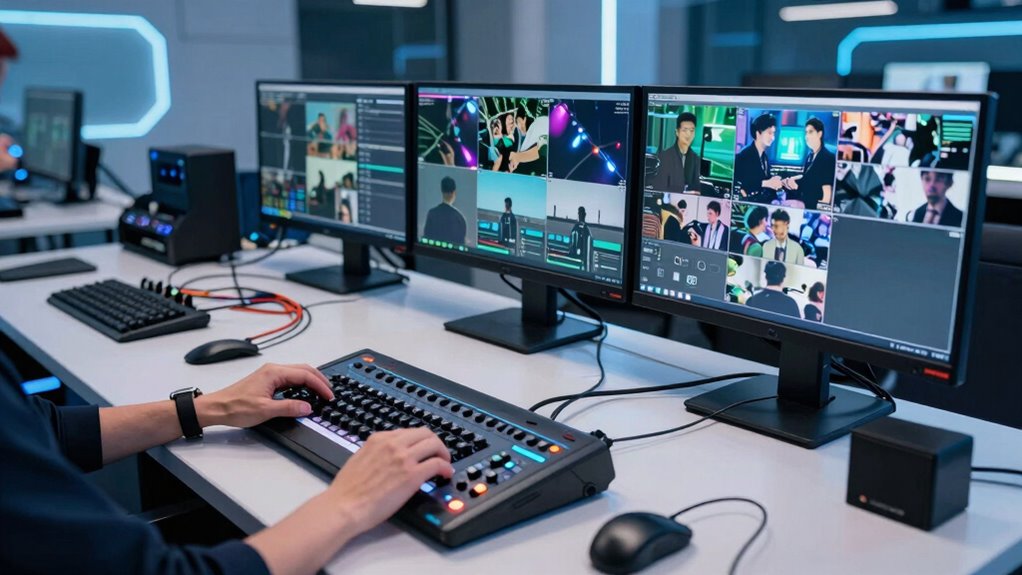
Adding multi-camera production to your workflow might seem overwhelming at first, but with the right approach, you can do it seamlessly and efficiently. The key is planning and organization. Start by clearly defining your goals — knowing what shots you need and how they’ll fit into your overall story will save you headaches later. When it comes to camera angles, think about how each shot will contribute to the viewer’s experience. You want a mix of wide shots, close-ups, and mid-angles that work cohesively. Mapping out your camera positions before the shoot ensures you cover all necessary perspectives without confusion. This preparation helps prevent overlaps or gaps and makes switching between shots smoother during the live production.
Lighting setups are equally important. Proper lighting not only enhances image quality but also helps differentiate camera angles and direct viewer focus. When planning your lighting, consider how each setup can highlight different areas or subjects, creating visual interest and clarity. Use consistent lighting styles across cameras to maintain a cohesive look, but also experiment with angles to add depth and dimension. Having a well-thought-out lighting plan reduces the need for last-minute adjustments, saving time and guaranteeing your multi-camera shoot looks professional. Remember, good lighting can make even simple camera angles stand out, so don’t overlook its importance. Additionally, understanding biodiversity principles can inspire creative visual storytelling that highlights environmental themes in your production.
To keep chaos at bay, invest in a solid communication system. Use headsets or intercoms so your crew can coordinate smoothly, especially during live shoots. Make sure everyone understands their role and the shot sequence. Having a shot list or storyboard handy helps keep everyone on the same page. Assign a dedicated director or floor manager to oversee camera switches and timing, which prevents confusion and keeps the process flowing logically. Practice runs are invaluable—they reveal potential issues with camera angles or lighting setups before the actual shoot, giving you a chance to refine your plan. Employing pre-production techniques such as detailed scheduling and rehearsals can further streamline your multi-camera workflow and minimize surprises on the day of filming.
Finally, embrace technology that simplifies multi-camera production. Switchers and automation tools can streamline transitions and reduce the complexity of managing multiple feeds. Keep your equipment well-maintained and organized, with clearly labeled cables and camera positions, so setup and teardown are swift. With discipline, good planning, and the right tools, you’ll find that multi-camera production is not chaos but an efficient way to elevate your content. When each element is thoughtfully prepared, your workflow becomes smoother, and your final product looks polished and professional.
As an affiliate, we earn on qualifying purchases.
Frequently Asked Questions
What Are the Best Budget-Friendly Multi-Camera Production Setups?
You can create a budget-friendly multi-camera setup by using affordable cameras like webcams or mirrorless models, paired with simple lighting setups to improve image quality. Focus on strategic camera positioning to cover different angles without overlap, and use basic switching equipment or software to manage feeds smoothly. This approach keeps costs low while ensuring your production looks professional and organized, even on a tight budget.
How Do I Train Staff for Multi-Camera Operation?
To train staff for multi-camera operation, focus on camera ergonomics to guarantee comfort and efficiency. Conduct hands-on practice sessions where they learn to switch angles smoothly, prioritize clear staff communication, and understand each camera’s role. Encourage teamwork, provide detailed instructions, and review footage together to identify areas for improvement. Regularly updating training ensures your team stays proficient, confident, and synchronized during live multi-camera productions.
What Are Common Technical Issues in Multi-Camera Production?
Think of your multi-camera setup as a symphony, where harmony is key. Common technical issues include misaligned camera synchronization, causing jarring shifts, and lens compatibility problems that distort image quality. To avoid chaos, make certain all cameras are perfectly synchronized and compatible lenses are used. Regularly check connections, update firmware, and calibrate equipment, so your production flows smoothly, like a well-conducted orchestra.
How Can I Ensure Smooth Camera Transitions During Live Feeds?
To guarantee smooth camera shifts during live feeds, you should focus on camera synchronization, making certain all cameras are perfectly aligned in timing. Use transition techniques like cross-fades or wipes to create seamless shifts between shots. Practice switching in advance, and utilize software with built-in transition controls. This combination helps maintain a professional flow, reduces chaos, and keeps your audience engaged without noticeable disruptions.
What Software Options Are Ideal for Multi-Camera Editing?
Did you know 85% of broadcasters prefer software that streamlines multi-camera editing? For ideal options, consider Adobe Premiere Pro or DaVinci Resolve—they offer robust features like color grading and audio synchronization. These tools let you seamlessly switch between angles, ensuring your live feed looks professional. You can easily manage multiple sources, enhance visual quality, and keep audio perfectly synchronized, making your multi-camera production smooth and chaos-free.
wireless intercom headset for production
As an affiliate, we earn on qualifying purchases.
As an affiliate, we earn on qualifying purchases.
Conclusion
By planning ahead and leveraging the right tools, you can seamlessly integrate multi-camera production without turning your workflow into a chaotic whirlwind. Think of it as conducting an orchestra—you orchestrate each element to create harmony rather than discord. When you stay organized and adapt smart solutions, multi-camera setups become a symphony of efficiency, not chaos. Embrace these strategies, and you’ll transform your production into a masterpiece that runs smoothly and impresses every time.
video camera tripod with fluid head
As an affiliate, we earn on qualifying purchases.
As an affiliate, we earn on qualifying purchases.
lighting kit for multi-camera setup
As an affiliate, we earn on qualifying purchases.
As an affiliate, we earn on qualifying purchases.
Fall Picks
fall essentials
As an affiliate, we earn on qualifying purchases.