To protect your NAS, router, and studio gear, start by segmenting your network into isolated zones for critical devices. Use strong, unique passwords and enable multi-factor authentication for all access points. Keep firmware and software updated regularly, and deploy firewalls to monitor traffic. Place devices in secure locations and limit physical access. Continuously review security settings and stay informed about threats. If you want to learn more, you’ll find key strategies to boost your setup’s security here.

Get smart everyday buys delivered free with Prime
- Fast, free delivery on millions of items
- Prime Video, Amazon Music and more included
- Member-only deals all year
Key Takeaways
- Implement network segmentation to isolate NAS, router, and studio gear from personal devices and guest networks.
- Use strong, unique passwords and multi-factor authentication for all devices and access points.
- Keep firmware and software updated regularly to patch vulnerabilities and enhance security.
- Physically secure devices in locked, access-controlled locations to prevent tampering or theft.
- Regularly monitor network activity, review permissions, and conduct security audits for ongoing protection.
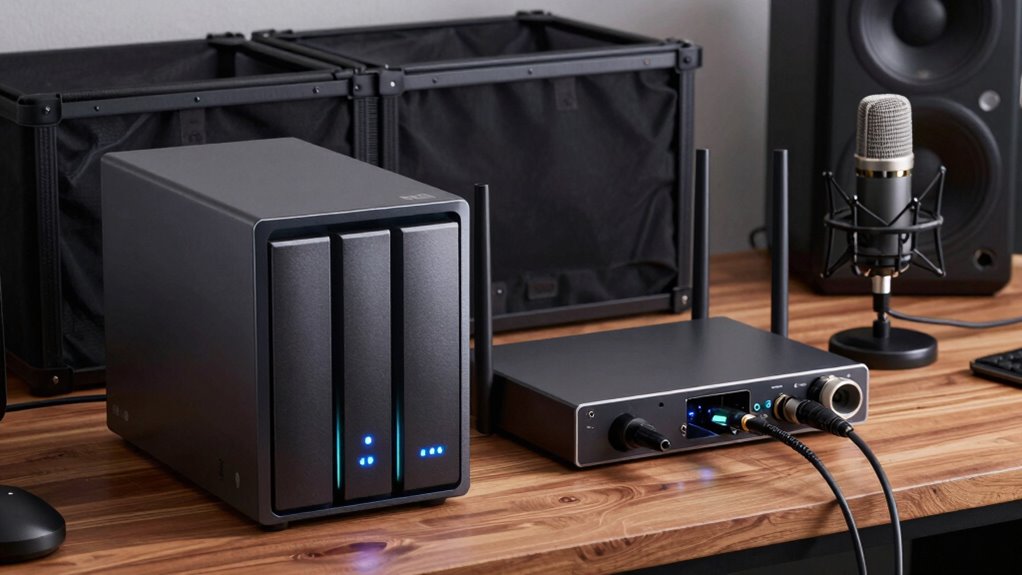
In today’s interconnected world, protecting your NAS, router, and studio gear is essential to guarantee data security and uninterrupted workflow. When you’re handling valuable digital assets and sensitive data, implementing effective security measures is non-negotiable. One of the most reliable strategies is network segmentation, which involves dividing your network into smaller, isolated segments. By doing this, you prevent unauthorized access from spreading across all your devices and limit potential breaches. For example, you can create a dedicated segment for your studio gear and NAS, separate from your personal devices or guest Wi-Fi. This way, even if a threat compromises one segment, it doesn’t automatically threaten your entire network.
Alongside network segmentation, access control plays a vital role. You want to restrict who can access your devices and what they can do once inside. Setting up strong, unique passwords for your NAS and router is just the beginning. Consider implementing multi-factor authentication (MFA) to add an extra layer of security. Use role-based access control (RBAC) to assign permissions based on user responsibilities. For instance, only trusted team members should have administrative privileges on your router and NAS, while others may only need read-only access to certain files. These measures help minimize the risk of accidental or malicious actions that could compromise your system. Regularly reviewing your security policies ensures they remain effective against new threats. Additionally, employing encryption for sensitive data adds an extra layer of protection, making it more difficult for attackers to access your information even if they breach your defenses.
Another key step is to keep your firmware and software up to date. Manufacturers regularly release patches that fix security vulnerabilities, so ignoring updates leaves your devices exposed. Enable automatic updates whenever possible, especially on critical devices like your router and NAS. Additionally, consider deploying a firewall to monitor and filter network traffic, blocking suspicious activity before it reaches your gear.
Physical security also matters. Place your NAS and router in secure locations inaccessible to unauthorized personnel. Use lockable cabinets or rooms if necessary. This prevents tampering or theft and adds an extra layer of protection for your stored data and network equipment.
Finally, regularly review and audit your network security measures. Check who has access, update passwords, and verify that segmentation and access controls are functioning correctly. Staying vigilant ensures that your setup remains resilient against evolving threats. Being aware of security vulnerabilities and how to address them is crucial for maintaining a robust defense. By combining network segmentation, strict access control, and proactive maintenance, you create a robust shield around your NAS, router, and studio gear, keeping your data safe and your workflow uninterrupted.
network security firewall for home router
As an affiliate, we earn on qualifying purchases.
As an affiliate, we earn on qualifying purchases.
Frequently Asked Questions
How Often Should I Update My Device Firmware for Security?
You should update your device firmware regularly, ideally every few months, to guarantee maximum security. Firmware updates often include critical security patches that protect against new vulnerabilities. Check for updates monthly or subscribe to automatic updates if available. Staying current with firmware updates ensures your NAS, router, and studio gear stay secure, minimizing risks of hacking or data breaches. Regular updates are a simple yet effective way to bolster your security.
What Are the Best Physical Security Measures for Studio Gear?
You should use cable locks and security cabinets to protect your studio gear physically. Cable locks secure devices to immovable fixtures, deterring theft, while security cabinets offer a locked environment, preventing unauthorized access. Place your NAS, router, and other sensitive equipment inside these cabinets, and use locks on all access points. Combining these measures guarantees your gear stays safe from theft and tampering, giving you peace of mind.
Can VPNS Enhance Protection for NAS and Router?
Protect your NAS and router with powerful VPNs—virtual private networks—because they bolster barriers by providing VPN encryption and secure remote access. You gain privacy and protection as your data travels through encrypted tunnels, shielding sensitive studio gear from prying eyes. By enabling VPNs, you lock down remote access, making it harder for hackers to breach your network. This proactive approach enhances your security stance, keeping your gear safe and sound.
How Do I Backup Data Securely Across Multiple Devices?
You can back up data securely across multiple devices by using cloud synchronization services that employ strong encryption methods, like AES-256, to protect your files during transfer and storage. Make sure you enable automatic backups to keep your data current and use multi-factor authentication for added security. Regularly verify your backups, and consider encrypting sensitive files manually before uploading, giving you an extra layer of protection against unauthorized access.
What Are Common Network Vulnerabilities in Studio Setups?
You face common vulnerabilities like unauthorized access and lack of network segmentation. Without proper segmentation, if one device gets compromised, others become vulnerable. Attackers often exploit weak passwords or open ports, gaining access to your studio setup. To protect yourself, implement network segmentation to isolate sensitive gear, use strong, unique passwords, and enable firewalls. Regularly update firmware and monitor network activity to detect suspicious behavior early.
As an affiliate, we earn on qualifying purchases.
Conclusion
Protecting your NAS, router, and studio gear isn’t just about safeguarding expensive equipment; it’s about ensuring your creative flow remains uninterrupted. Think of your gear as the artists and musicians behind the scenes—without them, your projects stall. By implementing smart power management and surge protection, you keep chaos at bay. After all, in a world filled with unpredictable storms, isn’t it better to have a sturdy shield, rather than risking everything on fragile reliability?
multi-factor authentication hardware token
As an affiliate, we earn on qualifying purchases.
As an affiliate, we earn on qualifying purchases.
As an affiliate, we earn on qualifying purchases.
Halloween Picks
halloween
As an affiliate, we earn on qualifying purchases.