If you’re mainly focused on live streaming with multiple camera angles and real-time effects, a switcher should be your priority because it simplifies scene management during broadcasts. However, if your goal is high-quality footage for editing later, a capture card is more important, as it guarantees crisp, minimal-latency video recordings. Consider your content creation goals to guide your choice; exploring both options further will help you make the best decision.

Get smart everyday buys delivered free with Prime
- Fast, free delivery on millions of items
- Prime Video, Amazon Music and more included
- Member-only deals all year
Key Takeaways
- Determine if your priority is live scene control or high-quality recorded footage for post-production.
- Choose a switcher for real-time multi-camera management during live streams.
- Opt for a capture card if you need high-quality footage for editing or gameplay recording.
- Consider workflow complexity: switchers streamline live production; capture cards simplify recording processes.
- Match device choice to your content goals: live presentation vs. detailed post-production editing.
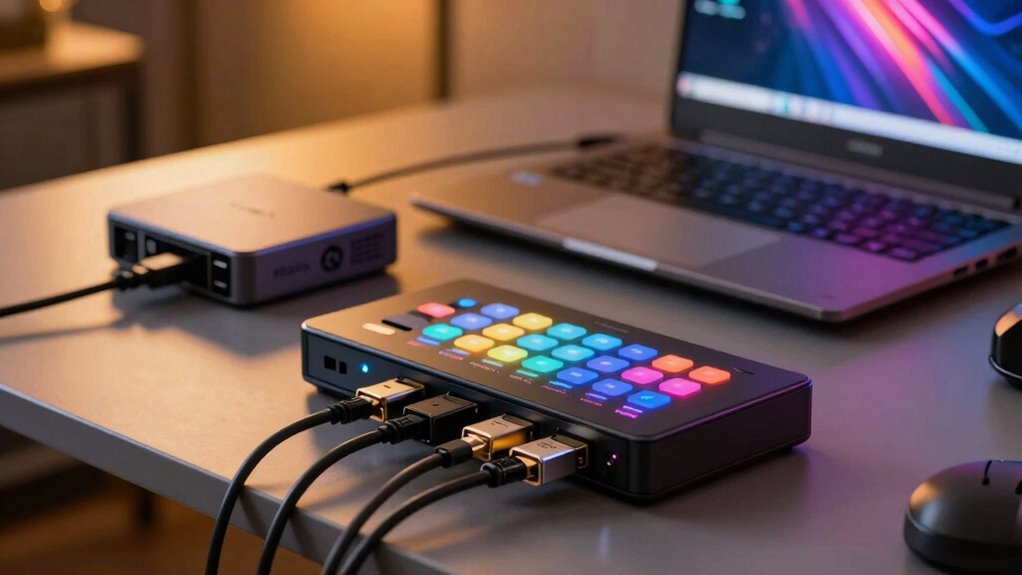
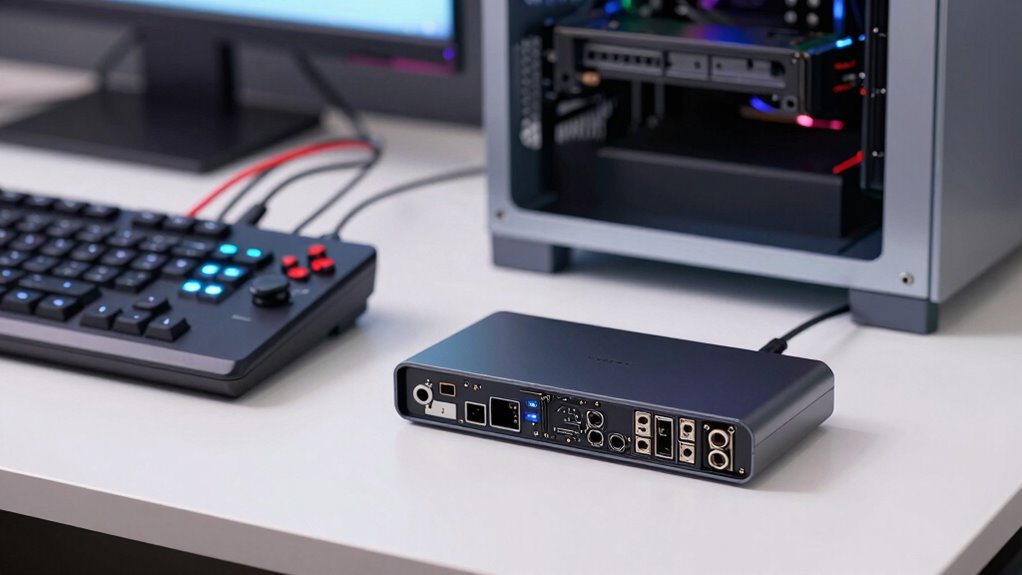
When you’re setting up a streaming or recording setup, deciding between a switcher and a capture card can feel overwhelming. Both devices play essential roles, but understanding their functions helps you make the right choice for your specific needs. A switcher primarily allows you to seamlessly toggle between multiple video sources during a live stream, making it ideal for live production. It enables you to cut smoothly from one camera angle to another, adding professional polish to your streaming setup. Capture cards, on the other hand, are designed to record or stream high-quality video signals from external sources like cameras or gaming consoles to your computer. They are indispensable if your goal is to record gameplay or video footage for editing later.
Choosing between a switcher and a capture card depends on your streaming or recording focus.
If your focus is on live streaming, especially with multiple cameras or video feeds, a switcher offers significant advantages. It gives you real-time control over what your audience sees without needing complex software workarounds. This is especially useful if you want to switch scenes, overlay graphics, or incorporate live effects during your stream. Conversely, if your priority is capturing footage for later editing, a high-quality capture card becomes more relevant. It allows you to record raw footage from various devices with minimal latency, ensuring you get crisp, clear video files for your video editing projects.
Your decision also hinges on whether you need a streamlined workflow or a more flexible, layered approach. A switcher simplifies live production by providing an intuitive physical or software interface to manage multiple inputs. Meanwhile, a capture card integrates directly with your computer, making it easier to record and stream without additional hardware. Think about your entire streaming setup: do you want to produce live content with multiple camera angles, or do you prefer recording footage for detailed editing later? If your setup involves heavy video editing, a capture card ensures you get high-quality footage, which translates into better final videos. Additionally, understanding the difference in device functions helps you choose the best equipment for your content creation needs.
As an affiliate, we earn on qualifying purchases.
Frequently Asked Questions
Can I Use Both a Switcher and a Capture Card Simultaneously?
Yes, you can use both a switcher and a capture card simultaneously. This setup allows you to perform multi-source switching seamlessly while capturing the output with your capture card. Just guarantee hardware compatibility between your switcher and capture card, and check that your system can handle the combined workload. Properly connecting and configuring both devices enables smooth multi-source switching and high-quality recording or streaming.
What Is the Cost Difference Between Switchers and Capture Cards?
Switchers generally cost more than capture cards, making the price comparison clear. While a basic capture card can be budget-friendly, entry-level switchers may require a bigger investment. Your budget considerations should guide your choice; if you need multiple sources switching seamlessly, spend more on a switcher. Conversely, if you only need to record a single source, a capture card offers a cost-effective solution.
Are There Compatibility Issues With Certain Gaming Consoles?
You might face compatibility issues with certain gaming consoles when choosing between a switcher and a capture card. Console compatibility depends on the device’s input/output options and supported resolutions. Make certain your device integrates seamlessly with your console’s video signals. Some capture cards or switchers may not support newer or less common consoles, so double-check device specifications for compatibility and device integration to avoid connection problems during gameplay or streaming.
How Does Latency Differ Between Switchers and Capture Cards?
A stitch in time saves nine, so understanding latency is essential. Switchers usually have lower latency, providing near-instant video quality, ideal for live streaming. Capture cards might introduce slight delays, affecting setup complexity and real-time gameplay. If you prioritize minimal delay, a switcher is better. However, for advanced features, a capture card might add some latency but offer superior video quality. Consider your needs carefully to avoid unnecessary frustrations.
Which Device Is Better for Live Streaming Versus Recording?
For live streaming, a switcher is better because it offers real-time camera switching and better audio management, ensuring smooth, professional-quality broadcasts. It handles multiple cameras seamlessly and reduces latency, keeping your stream synchronized. For recording, a capture card is ideal since it captures high-quality footage directly from your camera without the need for real-time switching, allowing you to focus on post-production and editing.
multi-camera switcher for live streaming
As an affiliate, we earn on qualifying purchases.
As an affiliate, we earn on qualifying purchases.
Conclusion
Ultimately, choosing between a switcher and a capture card is like selecting the right brush for your masterpiece. Picture yourself as an artist, your setup as the canvas—each tool shaping your vision. Whether you need the seamless flow of a switcher or the detailed capture of a card, your choice sets the scene for your creative journey. Pick wisely, and watch your streams come alive, vibrant and full of your unique story.
As an affiliate, we earn on qualifying purchases.
As an affiliate, we earn on qualifying purchases.
Fall Picks
fall essentials
As an affiliate, we earn on qualifying purchases.