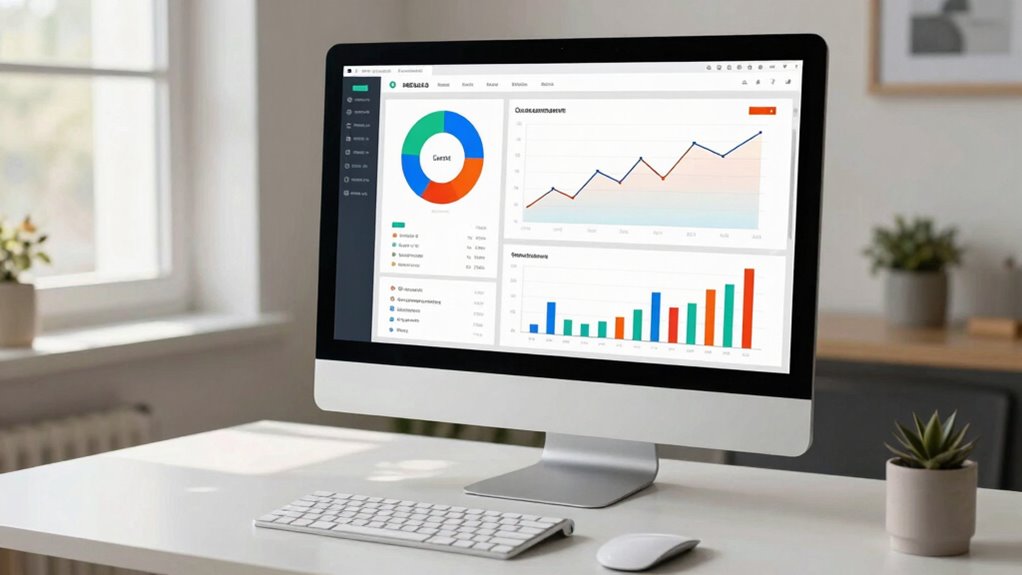

The data dashboard you need should give you real-time access to key metrics like customer engagement, inventory levels, and sales trends. It helps you spot opportunities, identify challenges, and make quick, informed decisions—all in one clear view. Automating data collection saves you time and reduces errors, allowing you to stay current on your business’s health. Keep exploring, and you’ll discover how to tailor these tools to grow your online business effectively.
Key Takeaways
- Focus on real-time sales, inventory, and customer engagement metrics for quick, informed decision-making.
- Prioritize visual dashboards that provide a clear overview of business health at a glance.
- Automate data collection to reduce errors and save time on manual reporting tasks.
- Track website interactions and content performance to optimize marketing strategies.
- Incorporate inventory management data to prevent stock issues and forecast demand effectively.
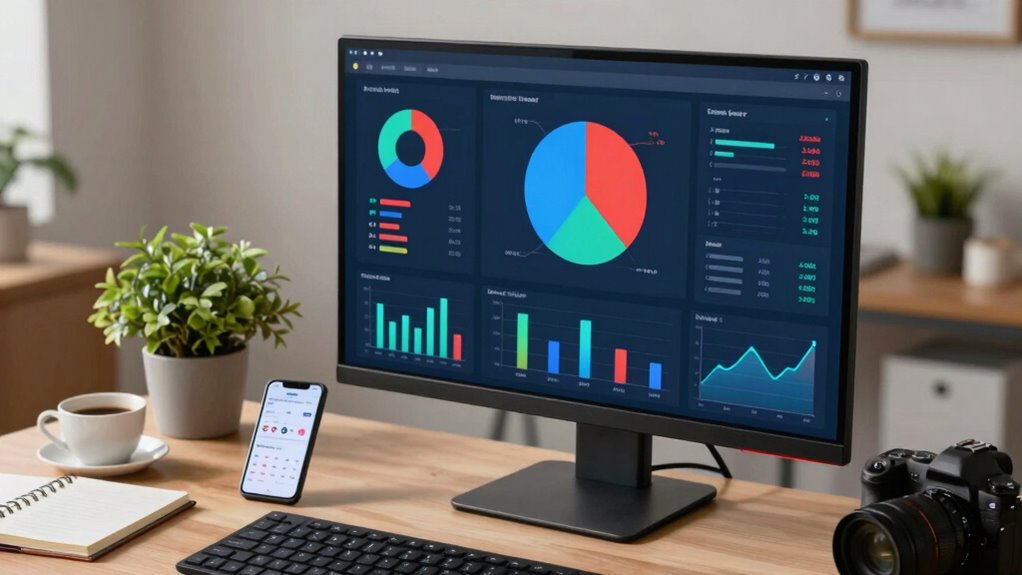
In today’s competitive online marketplace, small businesses need quick access to crucial data to make informed decisions. A well-designed data dashboard becomes your best tool, providing a clear overview of your business’s health and helping you identify opportunities and challenges fast. Among the most valuable features to focus on are customer engagement metrics and inventory management data. These elements give you real-time insights that directly impact your sales and customer satisfaction.
Customer engagement is the heartbeat of your online business. Your dashboard should show you how customers interact with your site, what products they view most, and where they drop off during the buying process. By monitoring these metrics, you can quickly recognize which marketing strategies work and which need adjustment. For example, if you see a spike in engagement with a specific product, you might decide to promote it more or offer discounts to further boost sales. Conversely, low engagement on certain pages or products signals you need to optimize content or improve the user experience. The key is having this data accessible at a glance so you can react swiftly, personalize your marketing efforts, and build stronger relationships with your customers. Incorporating real-time data tracking helps you stay updated on your metrics and respond promptly to changing trends. Additionally, understanding content performance can help you refine your messaging and improve overall engagement. Recognizing these patterns can also help you develop targeted marketing campaigns that resonate better with your audience. Leveraging data accuracy ensures your decisions are based on reliable information, which is essential for effective strategy development.
Monitor customer interactions to optimize marketing and enhance user experience for stronger relationships and increased sales.
Inventory management is another critical component your dashboard must address. Keeping track of stock levels, sales trends, and reorder points prevents stockouts and overstocking—both of which can hurt your bottom line. Your dashboard should display real-time inventory data, highlighting items that are running low and identifying slow-moving stock. This way, you can make smarter purchasing decisions and maintain an optimal stock balance. Additionally, integrating sales data with inventory levels allows you to forecast demand more accurately, ensuring you’re always ready for seasonal spikes or sudden surges in popularity. Incorporating sales and inventory data together in your dashboard streamlines this process, reducing errors and saving time. Having a comprehensive view of your inventory in one place minimizes errors, saves time, and keeps your operations running smoothly. Employing automated data collection can further minimize manual effort and help keep your insights current, providing an extra layer of efficiency and precision in your management processes.

Success in Small Business: What does your path to success look like?
As an affiliate, we earn on qualifying purchases.
As an affiliate, we earn on qualifying purchases.
Frequently Asked Questions
How Often Should I Update My Business Data Dashboard?
You should update your business data dashboard weekly or biweekly to guarantee data visualization stays current. Regular updates help you spot trends, monitor performance, and make informed decisions. Prioritize data integration from all relevant sources, so your dashboard reflects a complete picture. Consistent updates enable you to respond quickly to changes, optimize strategies, and maintain a clear view of your online business’s health.
Can I Customize the Dashboard to Suit My Specific Business Needs?
Yes, you can customize your dashboard to suit your specific business needs. Focus on dashboard aesthetics to make it visually appealing and easy to interpret. Incorporate data integration so all relevant data sources are connected, providing an all-encompassing view of your business. Customization allows you to prioritize key metrics, streamline your workflow, and make informed decisions quickly, ensuring your dashboard works effectively for your unique goals.
What Are Common Mistakes to Avoid When Using a Data Dashboard?
You might overlook the importance of proper visualization techniques and data integration, leading to misinterpreted insights. Avoid cluttered dashboards by focusing on key metrics, and double-check data sources for accuracy. Don’t rely solely on default settings; customize visualizations to highlight trends. Regularly review your dashboard to catch inconsistencies, ensuring you make informed decisions without confusion. Keep data clear, integrated, and purpose-driven, or risk missing essential opportunities.
How Secure Is My Business Data on These Dashboards?
Your business data on these dashboards is generally secure, especially with strong data encryption that protects your information during storage and transmission. Additionally, managing user access carefully ensures only authorized personnel can view sensitive data. Regularly updating security protocols and using multi-factor authentication further enhances protection. While no system is completely invulnerable, these measures substantially reduce risks, giving you confidence in your data’s safety.
Do I Need Technical Skills to Set up a Data Dashboard?
You don’t need to be a tech expert to set up a data dashboard. Many tools now feature intuitive user interfaces and visualization techniques that make setup straightforward. Often, you can customize dashboards with drag-and-drop functions, making it easy to display the data you care about most. So, even if you’re not tech-savvy, you’ll find these dashboards user-friendly, helping you monitor your business without the need for complex technical skills.

Warehouse Management and Inventory Control System
As an affiliate, we earn on qualifying purchases.
As an affiliate, we earn on qualifying purchases.
Conclusion
Now that you’ve got this data dashboard, running your online business becomes as smooth as a well-oiled steam engine chugging through the 19th century. You’ll spot trends, track sales, and make smarter decisions without feeling like you’re lost in a fog of numbers. Think of it as your trusty compass, guiding you through the bustling marketplace of the digital age. With this tool, you’re all set to steer your business toward growth and success.

Journey to Customer Obsession – A Blueprint for Operationalizing Customer Engagement: Turn Customer Engagement into measurable, operational reality
As an affiliate, we earn on qualifying purchases.
As an affiliate, we earn on qualifying purchases.

Automated Data Collection with R: A Practical Guide to Web Scraping and Text Mining
As an affiliate, we earn on qualifying purchases.
As an affiliate, we earn on qualifying purchases.