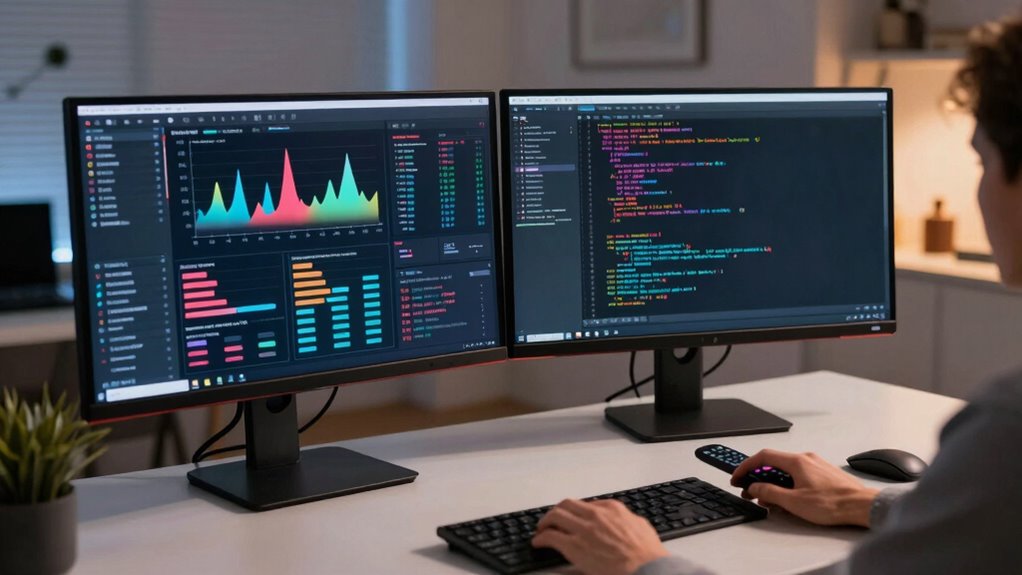

Many remote operators are choosing a dual-computer workflow to boost productivity and stay focused. By dedicating one machine to communication and monitoring, and the other to deep work like editing or research, you reduce distractions and improve efficiency. Upgrading hardware such as faster processors and more RAM makes tasks smoother. Using reliable software and automation tools guarantees seamless integration. Exploring these strategies further can help you create an organized, effective remote work setup that adapts to your needs.
Key Takeaways
- It boosts productivity by separating tasks, reducing distractions, and enhancing focus during remote work.
- Hardware upgrades like faster processors and more RAM improve system responsiveness and multitasking.
- Software tools enable seamless integration and automation, streamlining workflows across multiple devices.
- Task segregation allows operators to dedicate specific computers to communication and deep work.
- The setup is adaptable, supporting evolving remote work demands with future-proof hardware and configurations.
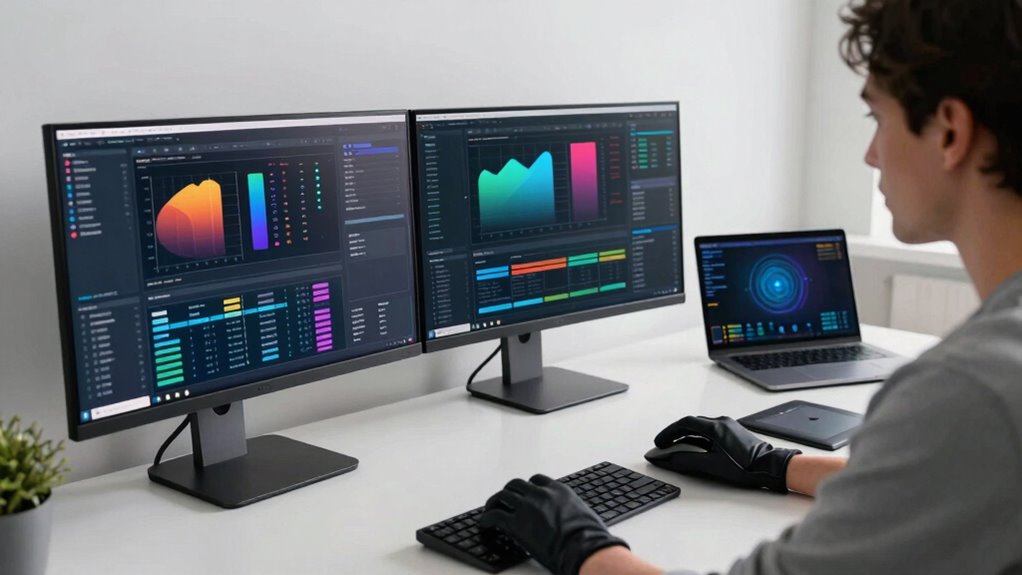
Have you ever wondered how remote operators manage multiple tasks efficiently without sacrificing focus? The answer lies in the dual-computer workflow, a strategy gaining popularity among professionals who need to optimize productivity without compromising attention to detail. By leveraging two separate systems, you can dedicate each machine to specific responsibilities, reducing the risk of distractions and streamlining your operations. To make this setup truly effective, hardware optimization plays an essential role. Upgrading your computers with faster processors, increased RAM, and solid-state drives ensures smooth performance across both devices. This minimizes lag and load times, so you can switch seamlessly between tasks without interruptions. Additionally, investing in ergonomic peripherals—like dual monitors, comfortable keyboards, and precise mice—further enhances your workflow, making multitasking feel natural and less draining.
But hardware isn’t enough on its own. Software integration is what truly unlocks the potential of the dual-computer setup. You want your systems to communicate effortlessly, so you can transfer files, share screens, or control one machine from the other with minimal fuss. Using reliable remote desktop applications and file-sharing tools, you sync your work environment across both computers. For example, you might run your communication apps on one machine dedicated to client interactions, while your second computer handles data analysis or content creation. This clear separation helps you stay focused on the task at hand without constantly switching contexts or juggling multiple windows. Effective Software integration is crucial for seamless operation, and regularly updating your applications can prevent compatibility issues. Automating routine processes with automation tools can further streamline your workflow and reduce cognitive load. Incorporating hardware upgrades like faster processors and increased RAM can significantly boost performance and reliability during intensive workloads. Additionally, understanding hardware compatibility ensures that all components work harmoniously, preventing potential technical setbacks. Moreover, staying informed about emerging technology trends can help you adapt your setup to new challenges and opportunities.
This workflow allows you to compartmentalize your tasks effectively. You could have one computer dedicated to real-time monitoring or communication, and the other for deep work like editing or research. The separation prevents one task from encroaching on the other, maintaining clarity and reducing errors. Plus, with optimized hardware, your setup remains responsive and reliable, even during intensive workloads. The constant improvements in hardware and software integration mean you spend less time troubleshooting and more time actually working. As remote work becomes more complex, adopting a dual-computer workflow ensures you stay organized, maximize your productivity, and maintain focus throughout your day. It’s a smart solution that adapts to your needs and keeps you ahead in a demanding digital environment.
dual monitor setup for remote work
As an affiliate, we earn on qualifying purchases.
As an affiliate, we earn on qualifying purchases.
Frequently Asked Questions
How Do I Set up Two Computers for Remote Work Efficiently?
To set up two computers for remote work efficiently, start by ensuring hardware compatibility between both devices, like matching ports and peripherals. Next, install the same software on each computer and enable synchronization features to keep files and settings updated automatically. Use remote desktop tools or cloud storage to seamlessly access and transfer data. Regularly check connections and updates to maintain smooth operation, making your dual-computer workflow effective and hassle-free.
What Are the Security Risks With a Dual-Computer Workflow?
Ironically, your dual-computer setup introduces security risks you might not expect. You risk exposing sensitive data if you neglect proper access controls or don’t use robust data encryption. With two devices, attackers have double the entry points, making it easier for breaches. Always guarantee both computers have strong, unique passwords, enable encryption, and apply strict access controls to safeguard your work and personal info.
Can I Use Different Operating Systems on Each Computer?
Yes, you can use different operating systems on each computer in a dual-computer workflow. This setup enhances cross-platform compatibility, allowing you to run diverse applications suited for each OS. To guarantee smooth software synchronization, use cloud-based tools or compatible file-sharing services. Keep in mind that some software may require specific configurations or additional tools for seamless operation across different systems, so plan accordingly for peak performance.
What Hardware Is Essential for a Seamless Dual-Computer Setup?
You need essential hardware like a reliable KVM switch for seamless peripheral management and hardware compatibility. A high-quality monitor, keyboard, and mouse are must-haves, and consider a USB hub for easy device switching. Make sure your computers support the same peripherals or adapters. This way, you avoid juggling multiple setups, keeping everything running smoothly—after all, a chain is only as strong as its weakest link.
How Do I Troubleshoot Connectivity Issues Between the Two Computers?
To troubleshoot connectivity issues between your two computers, start with network diagnostics to identify where the problem lies. Check all cables and confirm they’re securely connected, and inspect for any damage. Proper cable management helps prevent disconnections. If issues persist, restart your network devices, verify IP settings, and test with different cables. These steps help isolate and resolve connectivity problems quickly, guaranteeing smooth communication between your computers.
high performance desktop computer for multitasking
As an affiliate, we earn on qualifying purchases.
As an affiliate, we earn on qualifying purchases.
Conclusion
As remote operators embrace the dual-computer workflow, it’s tempting to believe it’s just a trend. But evidence shows it truly enhances efficiency and safety, allowing seamless multitasking and quick responses. This setup isn’t just a luxury—it’s a game-changer in remote work environments. So, don’t dismiss the theory that dual setups boost performance; the data suggests it’s a proven strategy for staying ahead in today’s digital landscape.
remote desktop software for Windows
As an affiliate, we earn on qualifying purchases.
As an affiliate, we earn on qualifying purchases.
ergonomic keyboard and mouse for productivity
As an affiliate, we earn on qualifying purchases.
As an affiliate, we earn on qualifying purchases.