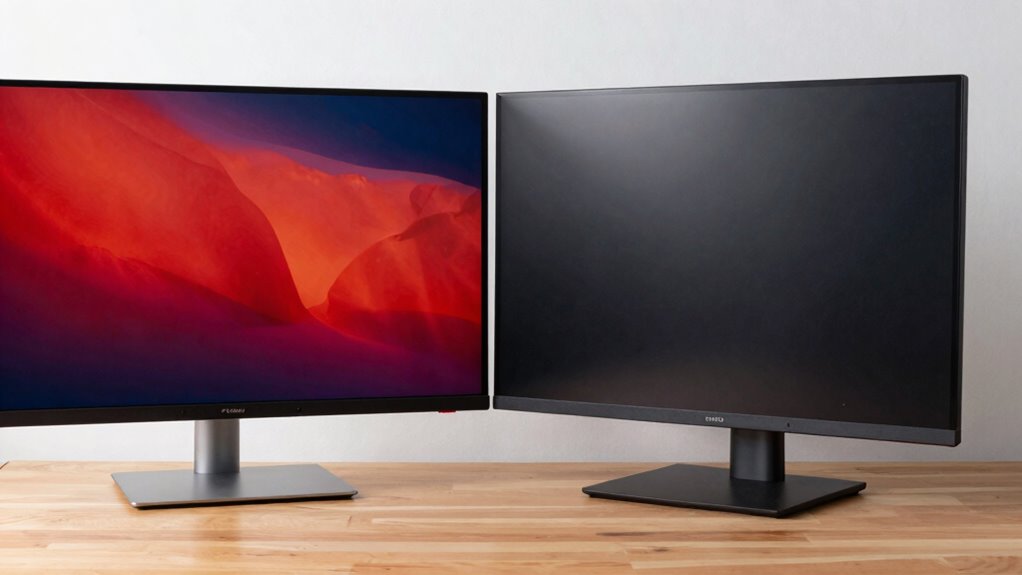

As a creator, you’ll notice OLED monitors offer vibrant colors, deep blacks, and better contrast, making visuals pop. However, they can be more expensive and may risk burn-in over time. LCD monitors provide solid color accuracy, energy efficiency, and durability, making them practical for extended use on the go. The choice depends on what matters most—vivid visuals or long-term reliability. Keep exploring to discover which option suits your workflow best.

Get smart everyday buys delivered free with Prime
- Fast, free delivery on millions of items
- Prime Video, Amazon Music and more included
- Member-only deals all year
Key Takeaways
- Creators notice OLED’s vibrant colors and deep blacks enhance visual detail, improving photo and video editing accuracy.
- LCD monitors offer consistent brightness and color accuracy across different lighting conditions, ideal for versatile workflows.
- OLED’s higher power consumption can impact battery life, making LCDs more practical for extended portable use.
- Long-term use may introduce burn-in risks with OLED, while LCDs generally provide more durable, reliable performance.
- Cost differences influence choice, with OLED offering superior image quality at a higher price, versus more affordable LCD options.
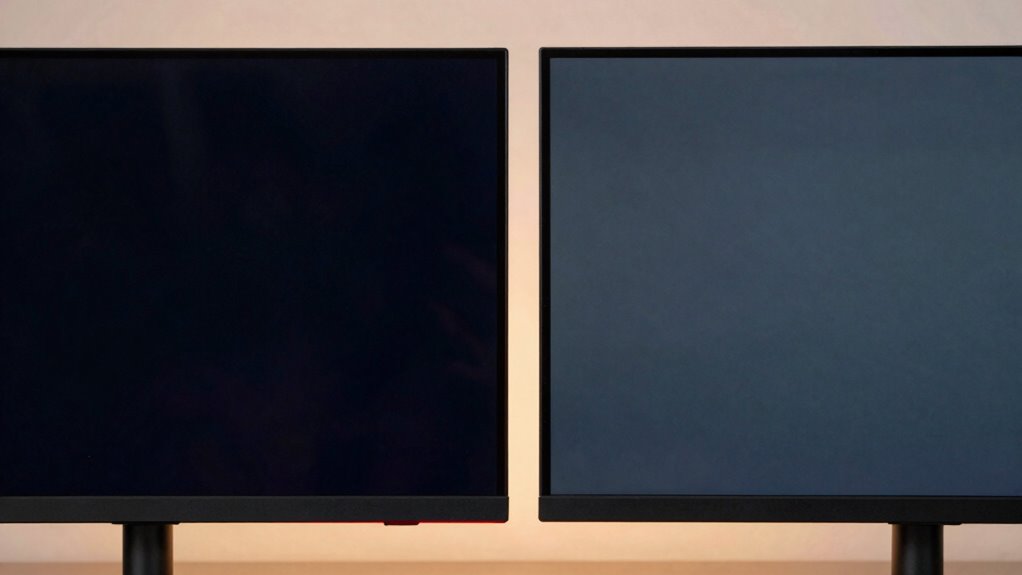
When choosing a portable monitor, understanding the differences between OLED and LCD displays is vital, as these technologies significantly impact picture quality, brightness, and overall user experience. As a creator, you’ll notice that OLED screens typically deliver superior color accuracy, making your visuals pop with vibrant, true-to-life hues. This high color fidelity is especially important when editing photos, videos, or graphics, where precise color representation can make or break your work. OLED panels can display deeper blacks and a wider contrast range, giving your images more depth and realism. This means you’ll see richer shadows and highlights, which is essential for detailed editing and crafting visually compelling content. Additionally, the underlying display technology influences how well the monitor performs in various lighting conditions, affecting your overall viewing experience.
However, these benefits come with some trade-offs. OLED screens tend to consume more power when displaying bright, colorful content, which can impact battery life. If portability and long battery life are priorities, LCD monitors might be more practical. LCD displays generally consume less energy, allowing you to work longer without needing to recharge. This makes them a good choice if you’re frequently on the move or working in environments where charging options are limited. While LCDs may not match OLED’s punchy contrast or color richness, modern high-quality LCDs still offer decent color accuracy and sharp images, suitable for many professional tasks. Display lifespan can also be a consideration, as OLEDs are more susceptible to burn-in over time, especially with static images.
OLED offers richer contrast but consumes more power; for extended use, LCD provides better battery life and reliable performance.
You’ll also notice that OLED screens can sometimes suffer from burn-in or image retention, especially if static images are displayed for extended periods. This isn’t usually a concern for short-term use but is worth considering if your workflow involves static dashboards or toolbars. Additional factors, such as manufacturing quality and panel type, can influence the longevity and overall performance of both OLED and LCD monitors. LCD monitors, on the other hand, tend to be more resistant to burn-in and generally provide consistent performance over time, which can translate into a more reliable display for everyday use. Moreover, the cost difference between OLED and LCD monitors may influence your decision, especially if budget constraints are present. It’s also helpful to consider the manufacturing process as it impacts the durability and quality of the display.
Ultimately, your choice depends on your priorities. If you need the best possible color accuracy, contrast, and don’t mind sacrificing some battery life, an OLED monitor will elevate your visual editing and content creation. On the other hand, if you prefer a more energy-efficient screen with stable performance and longer battery life, an LCD monitor can fulfill your needs without compromising too much on image quality. As a creator, weighing these factors will help you select the portable monitor that best complements your workflow and enhances your creative output.
OLED portable monitor for creators
As an affiliate, we earn on qualifying purchases.
As an affiliate, we earn on qualifying purchases.
Frequently Asked Questions
How Do OLED and LCD Monitors Differ in Power Consumption?
You’ll notice OLED monitors generally consume less power when displaying darker images because their pixels turn off completely, unlike LCDs that use backlighting constantly. Your power consumption varies with refresh rate and viewing angles; higher refresh rates and wider angles can increase energy use. OLED’s ability to produce true blacks means lower overall power for dark scenes, whereas LCDs use consistent backlight, leading to potentially higher energy use.
Which Monitor Type Offers Better Color Accuracy for Professional Editing?
You’ll find OLED monitors generally offer better color accuracy for professional editing because of their superior color calibration capabilities. Their higher contrast ratio creates more vibrant, true-to-life images, making color details pop. LCD monitors can also be calibrated well, but they often don’t match OLED’s depth of blacks and color precision. For critical color work, OLED’s consistent performance across various lighting conditions makes it the better choice.
Are OLED Monitors More Prone to Burn-In Than LCDS?
Yes, OLED monitors are more prone to burn-in than LCDs. You might notice this if static images stay on the screen for too long, especially with high screen brightness. OLEDs typically have faster response times, which is great for smooth visuals, but this doesn’t prevent burn-in. To avoid issues, you should regularly vary your screen content and lower brightness settings when possible.
How Do Durability and Lifespan Compare Between OLED and LCD?
Durability and lifespan differ markedly between OLED and LCD screens. You’ll find OLEDs offer stunning, vibrant visuals but are more prone to burn-in over time, affecting longevity. LCDs, however, tend to last longer, resisting burn-in and maintaining performance. When considering screen flexibility, weight, and portability, LCDs often provide a more durable, lightweight option, making them easier to carry, while OLEDs deliver richer colors but may require more delicate handling for lasting performance.
Which Is More Affordable for Casual Creators?
You’ll find that LCD portable monitors are generally more affordable for casual creators. Budget options are widely available, making them easier to fit into your budget. Plus, brand availability is better, so you can find trusted brands without much hassle. OLED monitors tend to be pricier due to their superior display quality. If you’re just starting out or on a tight budget, an LCD monitor provides a solid, cost-effective choice.
LCD portable monitor with color accuracy
As an affiliate, we earn on qualifying purchases.
As an affiliate, we earn on qualifying purchases.
Conclusion
Ultimately, choosing between OLED and LCD portable monitors is like selecting the perfect canvas for your creative journey. OLED’s vibrant hues and deep shadows offer a mesmerizing backdrop, while LCDs provide a steady, reliable stage. Think of it as finding the right atmosphere for your masterpiece—each has its charm. Trust your instincts, and you’ll find the monitor that gently guides your vision, turning your ideas into vivid realities.
best portable monitor for photo editing
As an affiliate, we earn on qualifying purchases.
As an affiliate, we earn on qualifying purchases.
high contrast OLED display monitor
As an affiliate, we earn on qualifying purchases.
As an affiliate, we earn on qualifying purchases.
Fall Picks
fall essentials
As an affiliate, we earn on qualifying purchases.