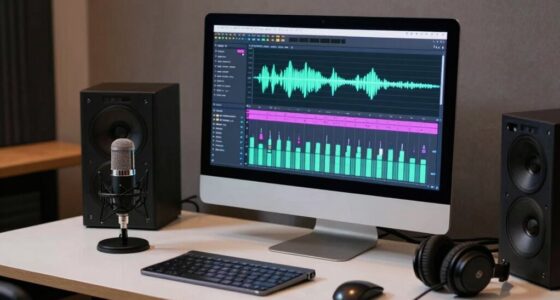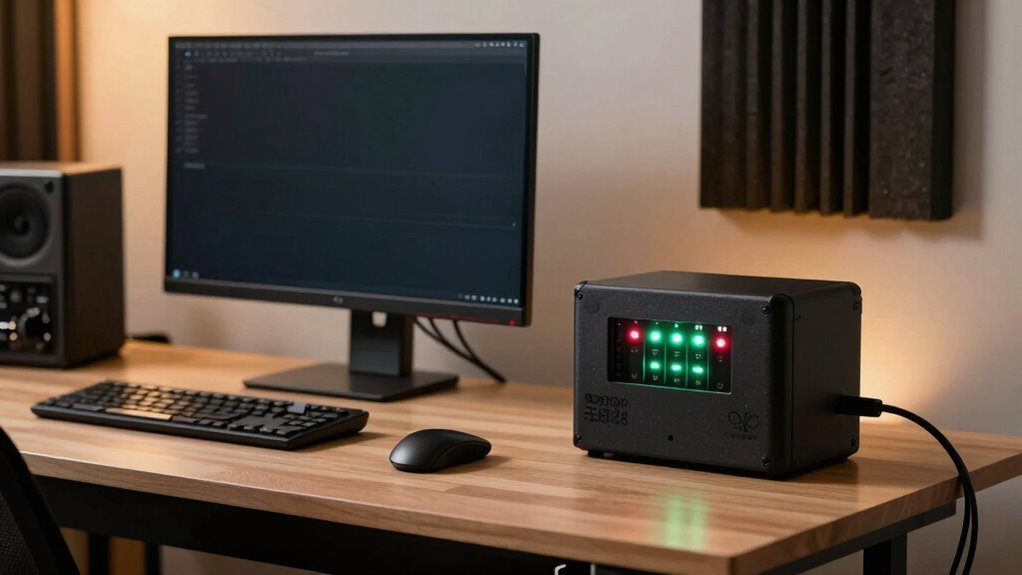

To protect your home studio, follow the battery backup rule: always choose a UPS with enough capacity to support all your essential gear during power outages, and make sure it has surge protection. Regularly test and maintain your UPS to guarantee it activates smoothly when needed. Keep it in a well-ventilated, dust-free spot to prevent overheating. Sticking to these practices helps keep your equipment safe and reliable—just keep exploring to discover more essential tips.

Get smart everyday buys delivered free — and shop member deals
- Fast, free delivery on millions of items
- Access to Prime Big Deal Days deals on October 6–7
- Prime Video, Amazon Music and more included
Key Takeaways
- Always select a UPS with capacity exceeding your total essential equipment load.
- Regularly test your UPS to ensure reliable backup during power outages.
- Place the UPS in a well-ventilated, dust-free environment to prevent overheating.
- Use surge protection features on your UPS to safeguard sensitive studio gear.
- Keep the UPS’s batteries maintained and replace them according to manufacturer recommendations.
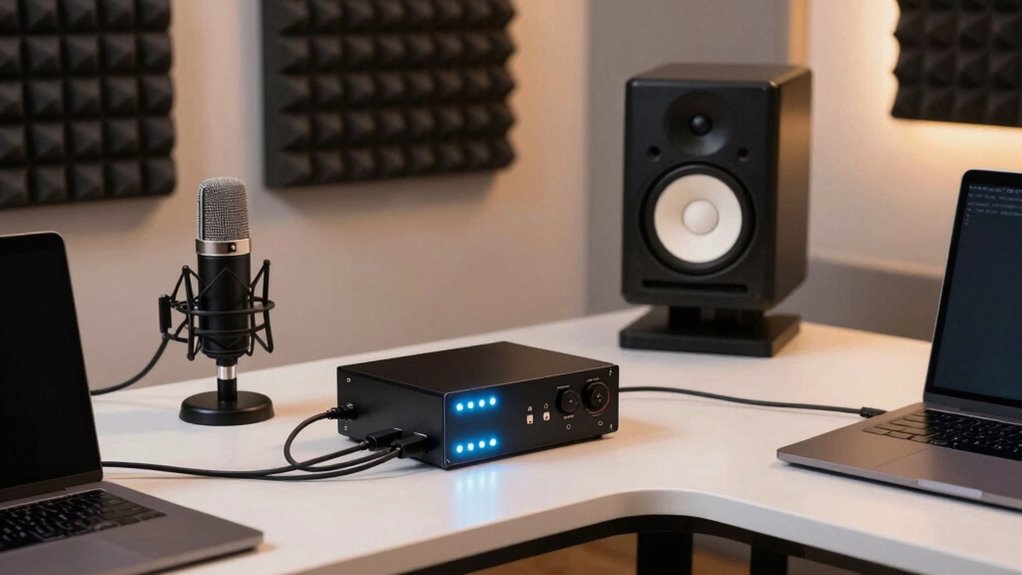
When it comes to running a home studio, having a reliable power backup is essential to protect your equipment and maintain workflow during outages. Power disruptions can strike unexpectedly, risking not only your recordings but also the longevity of your gear. A key rule to follow is always using an uninterruptible power supply (UPS) with surge protection capabilities. This device acts as a safeguard against power surges—those sudden spikes in electricity that can fry delicate components inside your audio interface, mixer, or computer. By investing in a quality UPS, you create a barrier that prevents damaging voltage fluctuations from reaching your equipment, ensuring their safety and extending their lifespan.
Using a UPS with surge protection safeguards your studio equipment from power surges and extends its lifespan.
You also need to recognize that not all power backups are created equal. The rule here is to select a UPS that provides enough wattage to support all your essential gear simultaneously. If your studio setup includes multiple monitors, audio interfaces, microphones, and computers, you’ll want a UPS with sufficient capacity to handle this load. When you stick to this rule, you avoid the risk of an abrupt shutdown that could corrupt recordings or damage hardware. It’s tempting to skimp on capacity, but doing so compromises equipment safety and your workflow. Always check the power ratings and choose a model that exceeds your total load by a comfortable margin for added security.
Another crucial point is to regularly test your backup system. Don’t assume everything will work perfectly when the lights go out. Conduct routine tests to verify that your UPS kicks in seamlessly and provides enough time to save your work and shut down properly during an outage. This practice helps you identify any weaknesses or outdated batteries that need replacing, maintaining the integrity of your backup system and your equipment’s safety. Additionally, understanding the importance of maintenance for your UPS can prevent unexpected failures and prolong its lifespan. Staying informed about proper usage can help you optimize your backup strategy and avoid common pitfalls. Regularly updating your knowledge on power management can further enhance your studio’s resilience against electrical issues. Furthermore, familiarizing yourself with battery replacement procedures can ensure your UPS remains reliable over time.
Additionally, consider the placement of your UPS. Keep it in a well-ventilated area away from dust and extreme temperatures. Proper ventilation is crucial to avoiding overheating, which can cause the unit to malfunction or shorten its lifespan, which defeats the purpose of having a backup system in the first place. Remember, the primary goal of this rule is to ensure your gear is protected from power surges and that your studio can operate smoothly, even when the power grid falters. By adhering to these practices, you secure your studio’s future, safeguard your equipment, and keep your creative process uninterrupted.
Uninterruptible Power Supply (UPS) for home studio
As an affiliate, we earn on qualifying purchases.
As an affiliate, we earn on qualifying purchases.
Frequently Asked Questions
How Often Should I Test My Battery Backup System?
You should test your battery backup system at least twice a year to guarantee it’s functioning properly. During these tests, check the battery lifespan and make sure it holds a charge. Follow a regular maintenance schedule, including inspecting for corrosion or leaks and replacing batteries as needed. Regular testing helps identify issues early, so your home studio stays protected during power outages and your equipment remains safe.
Can a Battery Backup Protect Against Power Surges?
Imagine your studio equipment suddenly sparks during a storm—battery backups alone might not prevent that. While they provide power stability, they typically don’t include surge protection. To safeguard against power surges, you need a dedicated surge protector or UPS with surge suppression. This setup ensures your gear stays safe from voltage spikes, keeping your studio reliable and protected during unpredictable power fluctuations.
What’s the Ideal Battery Capacity for a Home Studio?
For your home studio, aim for a battery capacity of at least 10-15 kWh, ensuring enough power during outages. This size balances solar compatibility and offers a decent battery lifespan, typically around 5-15 years with proper care. Larger capacities provide more backup time but may be less efficient with solar integration. Consider your energy needs and future expansion plans to choose the ideal battery size for your studio.
How Does Temperature Affect Battery Backup Performance?
Temperature impact profoundly affects your battery backup’s performance stability. Extreme cold can slow chemical reactions inside the battery, reducing capacity and run time. Conversely, excessive heat accelerates degradation, shortening lifespan and risking failure. Maintaining a moderate, consistent temperature ensures your backup remains reliable when you need it most. So, keep your battery in a cool, dry place to optimize performance stability and extend its longevity.
Is Professional Installation Necessary for Battery Backup Systems?
Professional installation isn’t always necessary for battery backup systems, but it’s highly recommended to guarantee safety considerations are properly addressed. Trained technicians can correctly size and install your system, reducing risks of electrical hazards or damage. Plus, professional setup often includes proper wiring and testing, which maximizes performance and longevity. For maximum safety and reliability, investing in professional installation is the best choice for your home studio’s battery backup system.
studio surge protector power strip
As an affiliate, we earn on qualifying purchases.
As an affiliate, we earn on qualifying purchases.
Conclusion
Remember, a reliable battery backup isn’t just a device—it’s your silent guardian in the storm of technical chaos. Without it, your creative sanctuary risks being plunged into darkness at any moment, silencing your inspiration. Don’t let a power outage steal your passion or your progress. Embrace this rule, and safeguard your home studio like a fortress of dreams. Because in the end, it’s not just equipment—it’s your voice, your art, your legacy.
backup power supply for audio equipment
As an affiliate, we earn on qualifying purchases.
As an affiliate, we earn on qualifying purchases.
high capacity UPS for music production
As an affiliate, we earn on qualifying purchases.
As an affiliate, we earn on qualifying purchases.
Halloween Picks
halloween
As an affiliate, we earn on qualifying purchases.