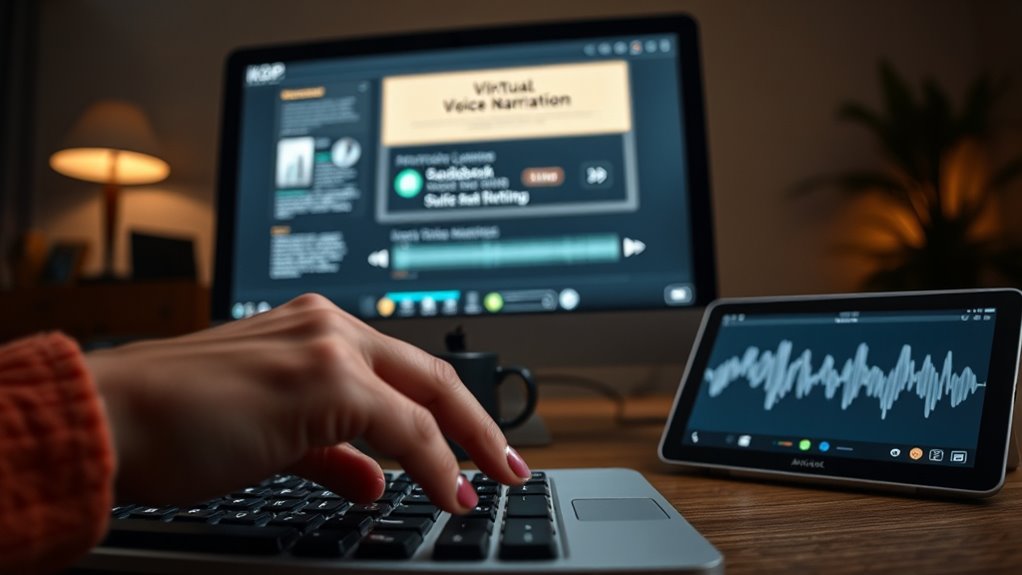

To create audiobooks quickly with KDP’s virtual voice narration, start by selecting a high-quality, natural-sounding voice that matches your book’s tone. Adjust the narration speed for clarity and engagement, then preview and tweak the audio to guarantee smooth flow and consistency. Use audio editing tools to clean up any background noise or imperfections. With the right setup, you can efficiently produce professional-sounding audiobooks. Keep exploring to discover how to optimize each step further.

Get smart everyday buys delivered free with Prime
- Fast, free delivery on millions of items
- Prime Video, Amazon Music and more included
- Member-only deals all year
Key Takeaways
- Select high-quality virtual voices on KDP that match your book’s tone and target audience.
- Adjust narration speed to ensure clarity and engagement throughout the audiobook.
- Preview and edit narration segments to fix unnatural pauses or inconsistencies quickly.
- Use audio editing tools to enhance sound quality, remove noise, and maintain consistency.
- Finalize and export the polished audio, then upload directly to KDP for fast publication.
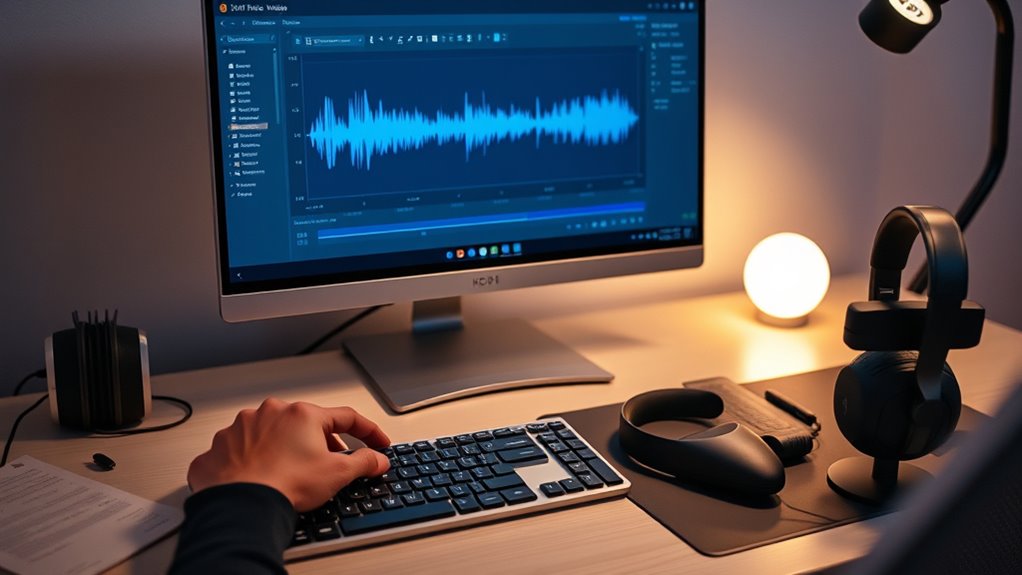
If you’re looking to enhance your Kindle Direct Publishing (KDP) projects, using KDP’s Virtual Voice Narration can be a game-changer. It allows you to produce audiobooks quickly and efficiently, reaching a broader audience without the need for expensive recording equipment or voice actors. To get started, you’ll want to focus on selecting a virtual voice that offers excellent voice quality. The clarity, tone, and naturalness of the voice play essential roles in engaging your listeners and making your audiobook sound professional. Many platforms provide a range of voices—masculine, feminine, neutral—and some even allow you to customize pitch and intonation. Experimenting with these options helps guarantee your narration aligns with the mood and style of your book.
Once you’ve chosen a suitable voice, pay close attention to narration speed. The right narration speed keeps your audiobook comfortable to listen to and prevents your audience from feeling rushed or bored. Most virtual narration tools let you adjust this setting easily, so take the time to find a balance that matches your book’s tone. Slower speeds work well for dense, complex texts or genres that require emphasis, while faster speeds can be suitable for lighter, more casual reads. Remember, the goal is to keep your listeners engaged without sacrificing clarity or voice quality.
Adjust narration speed to ensure clarity and engagement for a professional audiobook experience.
As you generate your audiobook, consider reviewing the narration and making small tweaks to improve overall flow. Many tools allow you to preview sections of the narration, so take advantage of this feature. If you notice parts where the voice sounds unnatural or choppy, you can usually rectify this by adjusting the speech rate or selecting a different voice. It’s also beneficial to listen to the entire narration once complete, ensuring the voice quality remains consistent throughout and that the narration speed feels natural from start to finish. Additionally, understanding the importance of voice customization can help you tailor the narration to better fit your book’s style and target audience.
Finally, keep in mind that good editing can elevate your audiobook even further. Use audio editing software to clean up any background noise or inconsistencies. This step guarantees your final product sounds polished and professional. When combined with carefully chosen voice quality and appropriate narration speed, your virtual narration can produce an engaging audiobook that rivals those made with traditional voice actors—allowing you to publish quickly and reach your audience more effectively.
Top picks for "virtual voice narration"
As an affiliate, we earn on qualifying purchases.
Frequently Asked Questions
Can I Customize the Voice Tone and Pitch in Kdp’s Narration?
Yes, you can customize the voice tone and pitch in KDP’s narration. The platform offers options for voice customization and tone adjustment, allowing you to tailor the narration to better match your book’s style. You simply select the desired voice and use the available controls to adjust the tone and pitch, ensuring a more natural and engaging audiobook experience for your listeners.
What Are the Cost Implications of Using Kdp’s Virtual Voice Narration?
The cost of KDP’s virtual voice narration hinges on their pricing structure, which varies based on length and voice choices. While it’s generally more affordable than hiring a professional narrator, you should do a cost comparison to verify it fits your budget. Hidden expenses might surprise you, so weigh the upfront costs against potential quality gains. Ready to discover whether this innovative tool saves you money or costs more than expected?
How Long Does It Take to Generate an Audiobook With This Tool?
It typically takes just a few minutes for KDP’s virtual voice narration to generate an audiobook, thanks to its fast voice generation speed. You can then use editing flexibility to fine-tune the narration, ensuring it matches your expectations. This quick turnaround allows you to produce audiobooks efficiently, saving you time and effort. Overall, the process is streamlined, making it ideal for authors who want rapid audiobook creation.
Is the Narration Quality Suitable for All Book Genres?
The narration quality is quite versatile, making it suitable for many genres. You’ll find that the virtual voice adapts well to different tones and styles, whether you’re producing fiction, nonfiction, or children’s books. While it excels in capturing clarity and consistency, some genres with complex emotions or nuanced characters might benefit from additional editing or human narration. Overall, its genre suitability depends on your specific needs and the desired listening experience.
Are There Any Copyright Restrictions When Using Kdp’s Virtual Voice Narration?
Like Pandora’s box, KDP’s virtual voice narration comes with copyright considerations. You must verify copyright compliance and respect intellectual property rights, as the technology may not automatically clear rights for all content. Using your original work or properly licensed material helps avoid legal issues. Always review Amazon’s policies and rights management guidelines to stay within legal boundaries, ensuring your audiobook creation remains smooth and compliant.
Conclusion
Now, with KDP’s virtual voice narration, your audiobook creation becomes a seamless journey. Imagine your words transforming into a clear, engaging voice that fills the room like a gentle breeze or a warm sunset. It’s a quick, effortless way to bring your story to life, reaching listeners anywhere, anytime. Embrace this tool, and watch your ideas flow smoothly from pen to voice, turning your passion into a mesmerizing audiobook that resonates long after the last note fades.
Fall Picks
fall essentials
As an affiliate, we earn on qualifying purchases.