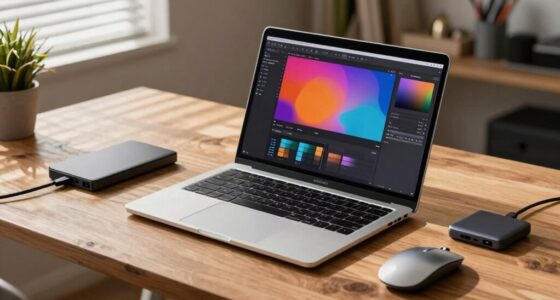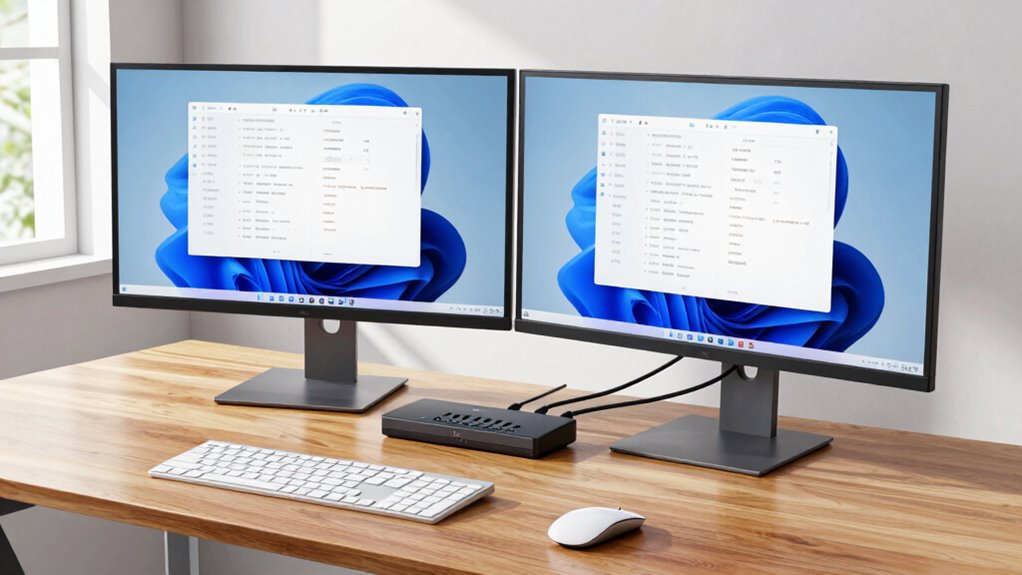

A well-organized KVM desk setup helps you switch effortlessly between two computers, saving you valuable time. By using a reliable KVM switch, you can toggle between systems instantly, reducing cable clutter and creating a clean workspace. Pair it with wireless peripherals and ergonomic accessories to boost comfort and efficiency. Proper placement and quality equipment guarantee smooth operation and minimize frustration. Keep exploring to discover more tips for optimizing your dual-computer workflow.
Key Takeaways
- Use a reliable KVM switch to instantly toggle control between two computers, minimizing switching time.
- Optimize monitor placement with adjustable stands for comfortable viewing and quick system access.
- Incorporate wireless peripherals for effortless movement and reduced cable clutter.
- Arrange ergonomic accessories to prevent strain and maintain focus during prolonged dual-system use.
- Ensure all equipment is compatible and high-quality to prevent technical disruptions and maximize efficiency.
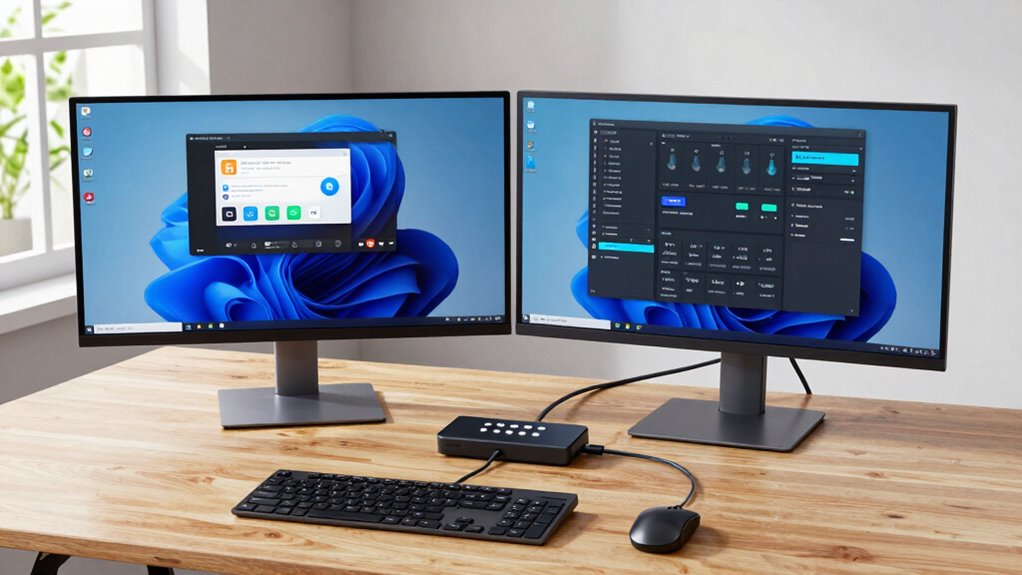
Setting up a KVM desk for dual-computer workflows can considerably streamline your productivity by allowing you to switch seamlessly between two systems with a single keyboard, mouse, and monitor. This setup eliminates the clutter of multiple peripherals and reduces the time spent switching devices or adjusting cables. To maximize efficiency, consider investing in wireless peripherals, which provide greater flexibility and a cleaner workspace. Wireless keyboards and mice, especially those with reliable connectivity, enable you to move freely and position your devices for maximum comfort without the tangle of cords. This freedom is essential when working across multiple screens and systems, helping you stay focused without interruptions.
In addition to wireless peripherals, ergonomic accessories are vital for maintaining comfort during long work sessions. An adjustable monitor stand or arm allows you to position your screens at eye level, reducing neck and eye strain. Ergonomic keyboards and mice designed with comfort in mind help prevent repetitive strain injuries, so you can work longer without discomfort. When setting up your dual-computer workspace, prioritize these accessories to foster a healthy, sustainable work environment. Proper placement and support can profoundly enhance your productivity by minimizing fatigue and discomfort. Additionally, choosing a reliable KVM switch that supports your specific needs can significantly improve your workflow. Incorporating ergonomic workspace accessories can further optimize your setup for comfort and efficiency.

Hearvo USB 3.0 HDMI KVM Switch 2 Monitors 2 Computers, 4K@60Hz Dual Monitor
- Dual Monitor Support: Shares 2 monitors between 2 computers
- Fast USB 3.0 Ports: 4 ports with 5Gbps transfer speeds
- High-Resolution Video: Supports 4K@60Hz with HDCP 2.2
As an affiliate, we earn on qualifying purchases.
As an affiliate, we earn on qualifying purchases.
Frequently Asked Questions
How Do I Troubleshoot Connection Issues With My KVM Switch?
To troubleshoot connection issues with your KVM switch, start by checking all cable connections to guarantee they’re secure. Next, troubleshoot connectivity by testing each cable and port for damage. If problems persist, update your KVM switch firmware to fix potential bugs. Power cycle your devices and switch to different ports if needed. Regular KVM switch updates and proper cable management help prevent future connection issues.
Can I Use a KVM Switch With Wireless Keyboards and Mice?
Yes, you can use a KVM switch with wireless keyboards and mice. For example, Sarah successfully connected her wireless devices to a KVM switch by choosing one with USB receiver support and wireless compatibility. This setup guarantees device synchronization across multiple computers. Just make sure the KVM switch explicitly supports wireless peripherals, and you’ll enjoy seamless switching without losing connection or functionality.
What Are the Best Cable Management Tips for a Clean Setup?
To achieve cable organization and enhance desk aesthetics, use cable clips and sleeves to bundle wires neatly along your desk edges. Label cables for easy identification and avoid clutter by routing them behind your monitor or under your desk. Opt for shorter cables where possible, and regularly tidy your setup. These tips keep your workspace clean, efficient, and visually appealing, making dual-computer workflows smoother and more enjoyable.
How Does a KVM Switch Impact Overall System Performance?
Think of a KVM switch as the conductor of your digital orchestra, seamlessly coordinating your hardware. It can enhance system efficiency by reducing clutter and streamlining workflows, but you need to check hardware compatibility to avoid issues. Often, a good KVM switch minimizes signal latency, ensuring your keyboard, mouse, and monitors respond instantly. When chosen wisely, it boosts performance without sacrificing speed or quality.
Are There Compatibility Concerns With Different Operating Systems?
You might face some compatibility concerns with different operating systems when using a KVM switch. Make sure it supports your OS, especially if you’re using Windows, macOS, or Linux. Also, check peripheral support; some KVM switches may not fully support certain peripherals like high-speed USB devices or audio. Choosing a model with broad compatibility and peripheral support will prevent issues and ensure smooth switching between your systems.

Logitech MK270 Full Size Wireless Keyboard and Mouse Combo – Black
- Reliable Wireless Connection: Up to 33 ft range with USB receiver
- Comfortable Typing Experience: Low-profile, quiet keys with full layout
- Durable and Spill-Resistant: Resilient keys, sturdy tilt legs, adjustable height
As an affiliate, we earn on qualifying purchases.
As an affiliate, we earn on qualifying purchases.
Conclusion
Think of your KVM desk setup as a skilled conductor guiding an orchestra of your dual computers. With a simple switch, you harmonize different tasks seamlessly, turning chaos into a symphony of productivity. Just as a conductor brings harmony to diverse instruments, your setup streamlines your workflow, saving you time and effort. Embrace this conductor’s baton, and watch your workday transform into a beautifully coordinated performance.

BoYata Monitor Stand, Adjustable Height Metal Desktop Riser, Black
- Adjustable Height: Twist knob for height customization
- Ergonomic Design: Promotes comfortable viewing posture
- High Weight Capacity: Supports up to 33.06 lbs
As an affiliate, we earn on qualifying purchases.
As an affiliate, we earn on qualifying purchases.

USB3.0 KVM Switch HDMI 4K@60Hz for 4 Computers Share 1 Monitor, KVM Switch 4 Port with 3 USB 3.0 Ports Share Keyboard Mouse, Support Button Switch, Plug and Play
- Number of Ports: 4 HDMI and 3 USB 3.0 ports
- Display Resolution: Supports 4K@60Hz resolution
- Device Control: Switch between 4 computers easily
As an affiliate, we earn on qualifying purchases.
As an affiliate, we earn on qualifying purchases.