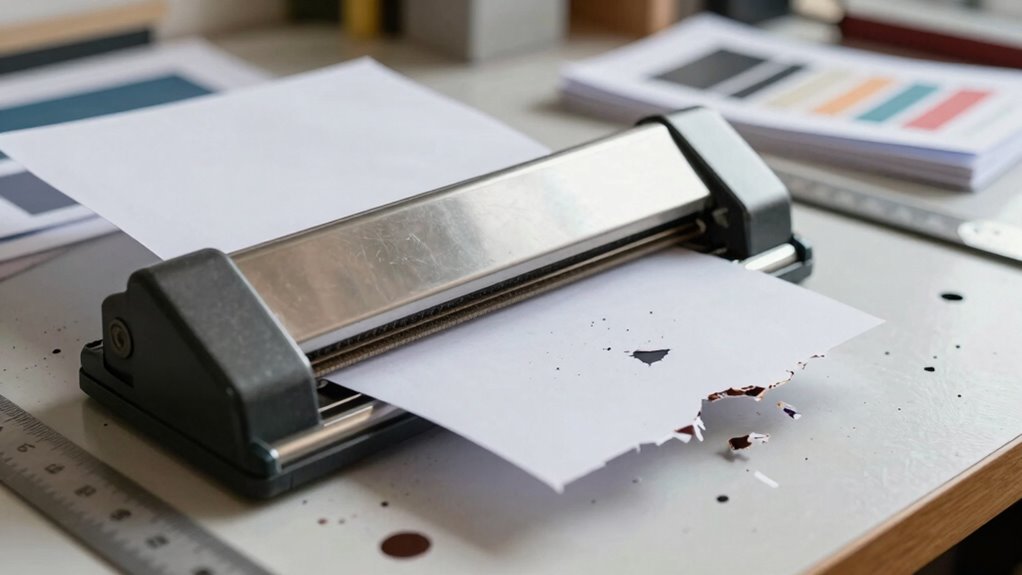
One common mistake that wastes materials in small print businesses is neglecting proper blade alignment on your paper cutter. When blades are off-center or misaligned, you get uneven or crooked cuts, which can ruin expensive materials like cardstock or specialty papers. This not only causes waste but slows down your workflow and increases costs. Ensuring regular calibration and testing on scrap paper helps prevent this. Keep going to uncover more tips to improve your cutting precision and save materials.
Key Takeaways
- Failing to properly align the blade before cutting causes uneven, wasteful cuts on materials.
- Neglecting regular blade calibration and maintenance leads to misaligned cuts and material waste.
- Rushing the setup process, like skipping safety checks and test cuts, results in costly mistakes.
- Using dull or damaged blades produces jagged cuts, increasing material waste and rework.
- Improperly securing paper can cause slips and uneven cuts, wasting expensive print materials.
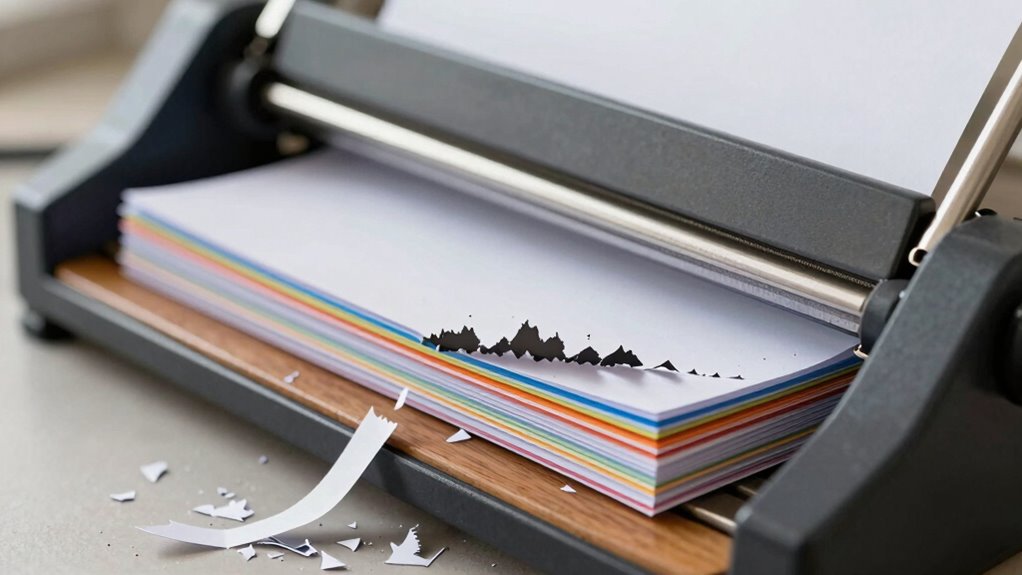
A simple mistake with your paper cutter can lead to considerable material waste in small print businesses. One of the most common errors is neglecting proper blade alignment, which can cause uneven or crooked cuts. When your blade isn’t aligned correctly, you risk ruining sheets of expensive paper, cardstock, or specialty materials that are costly to replace. This mistake not only wastes materials but also costs you time, as you’ll need to reprint and recut, delaying your projects and frustrating clients. Ensuring proper blade alignment is vital to maintain quality and minimize waste. Regularly inspecting and maintaining your cutter, including blade sharpening or replacement, can also help prevent misalignments and ensure consistent cuts.
Proper blade alignment prevents waste and ensures clean, accurate cuts in small print businesses.
Another vital aspect often overlooked is paper safety. When you’re rushing or distracted, it’s easy to forget to check the safety features of your cutter or to handle it properly. Failing to secure the paper correctly or not using safety guards can lead to slips or uneven cuts. These accidents may damage your materials or cause injury, which can halt your workflow and increase costs. You might also be tempted to force the paper through a cutter that isn’t properly set up, leading to jagged cuts and wasted sheets. Always prioritize safety by using the cutter’s safety features and ensuring your workspace is clear and organized before starting your cuts. Proper safety procedures are essential for preventing accidents and material waste. Additionally, understanding how blade misalignment impacts cut quality can help you identify issues early and avoid unnecessary material loss.
To prevent these issues, always double-check your blade’s alignment before starting a cutting job. Most cutters have adjustment mechanisms or markings to help you set the blade correctly. Take the time to calibrate the blade and test it on a scrap piece of paper. This simple step can save you from wasting large quantities of high-quality material. Additionally, practicing proper paper safety habits goes a long way. Use push sticks or guides to hold your paper in place and avoid placing your hands near the blade. Keep the cutting area clean and free of clutter to reduce the risk of accidents and ensure smooth operation. Routine maintenance and understanding your cutter’s features are crucial for consistent performance and waste reduction.
Maintaining your cutter’s calibration and ensuring the blades are sharp can significantly influence your cutting accuracy, preventing misalignments that lead to waste. A dull or damaged blade can cause uneven cuts, leading to more waste. Remember, a well-maintained cutter and attention to paper safety are investments that pay off by saving you money and time. Small print businesses thrive when you’re precise and cautious, avoiding unnecessary waste and ensuring each cut is clean and accurate. By focusing on blade alignment and prioritizing paper safety, you reduce material waste considerably and keep your workflow efficient and professional.
paper cutter blade alignment tool
As an affiliate, we earn on qualifying purchases.
As an affiliate, we earn on qualifying purchases.
Frequently Asked Questions
How Can I Prevent Paper Cutter Misalignments During Operation?
To prevent paper cutter misalignments, guarantee you regularly perform blade maintenance, keeping the blade sharp and properly aligned. Always follow manufacturer guidelines for calibration and adjustments. Additionally, invest in operator training so you or your staff understand correct setup and handling techniques. Properly maintaining blades and training operators reduces errors, minimizes material waste, and ensures precise cuts, keeping your print business efficient and cost-effective.
What Are the Signs of a Malfunctioning Paper Cutter?
Think of your paper cutter as a vigilant guardian; when blades become dull or misaligned, it signals trouble. Signs of malfunction include uneven cuts, excessive noise, or jammed materials. If the machine isn’t smoothly slicing, it’s time to check the blades and guarantee proper machine lubrication. Regular maintenance keeps it running like a well-oiled protector, preventing costly mistakes and material waste.
Are There Specific Paper Types That Cause More Waste?
Certain paper types, especially thicker or textured ones, can cause more waste because they challenge your paper cutter’s cutting precision. Low-quality paper may tear or shift, leading to uneven cuts and extra material. To minimize waste, choose higher-quality paper when possible and make certain your cutter is well-maintained. Being aware of how different paper qualities affect cutting precision helps you plan better and reduce unnecessary material loss.
How Often Should I Calibrate My Paper Cutter?
You should calibrate your paper cutter at least once a month—it’s the heartbeat of precise cuts. Regular blade maintenance keeps your cuts sharp and consistent, preventing waste. Adjust your cutter’s settings to match your typical cutting speed, ensuring accuracy without overworking the blade. Neglecting calibration can turn your workspace into a wasteland, so stay vigilant and keep that cutter finely tuned for flawless results every time.
What Safety Precautions Should I Follow When Using a Paper Cutter?
To guarantee paper cutter safety and prevent misalignment, always wear safety gloves and keep your fingers clear of the blade. Use the safety guard and secure your material firmly before cutting. Regularly check for blade sharpness and proper alignment, and never force the cutter if it jams. Following these safety precautions helps avoid accidents and maintains precise cuts, keeping your workspace safe and efficient.
guillotine paper cutter safety guard
As an affiliate, we earn on qualifying purchases.
As an affiliate, we earn on qualifying purchases.
Conclusion
By paying close attention to your paper cutter, you can avoid some of those little hiccups that lead to wasted materials. A gentle touch and careful measurements help keep your workflow smooth and your materials intact. Remember, a small adjustment now can save you from unnecessary waste later. Embrace these simple habits, and you’ll find your small print business running more efficiently, with less waste and more satisfied clients. Sometimes, it’s the tiny details that make the biggest difference.
professional paper cutter blade sharpener
As an affiliate, we earn on qualifying purchases.
As an affiliate, we earn on qualifying purchases.
adjustable paper cutter with calibration marks
As an affiliate, we earn on qualifying purchases.
As an affiliate, we earn on qualifying purchases.