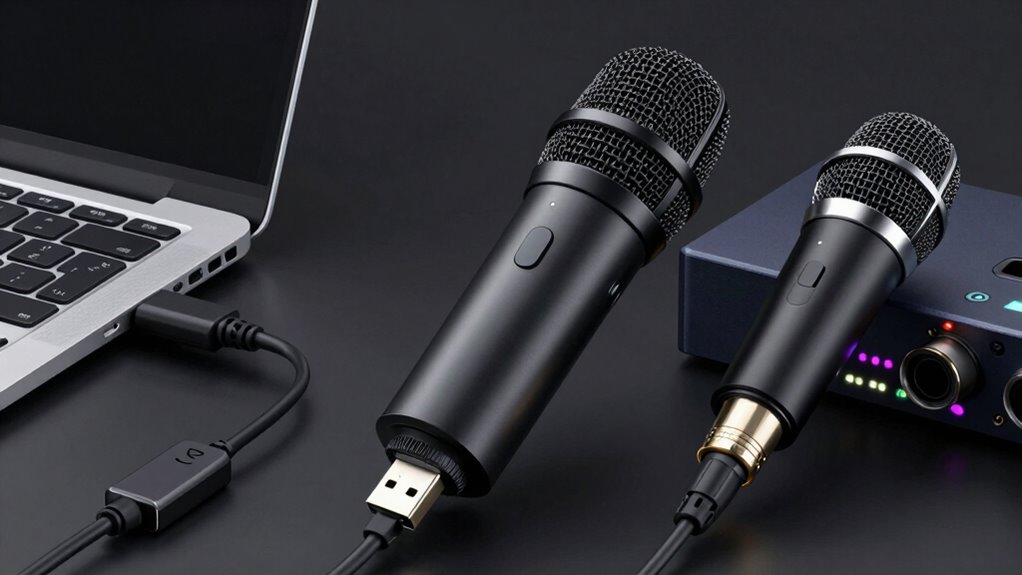

Choosing between USB and XLR mics depends on your needs and budget. If you want simplicity, quick setup, and a budget-friendly option, USB mics are smart for your side hustle studio. However, if you’re aiming for professional sound quality and future expandability, XLR mics are worth the investment. Both have pros and cons, so understanding their differences helps you make the best choice. Keep exploring to find out which mic suits your goals best.

Get smart everyday buys delivered free with Prime
- Fast, free delivery on millions of items
- Prime Video, Amazon Music and more included
- Member-only deals all year
Key Takeaways
- USB microphones are ideal for beginners due to their plug-and-play simplicity and lower upfront cost.
- XLR microphones provide higher sound quality and greater expandability, suitable for future upgrades and professional growth.
- USB mics are more portable and require less equipment, making them convenient for quick setups in a side hustle.
- XLR systems offer better control over sound fidelity but involve more complex setup and higher initial investment.
- Choose USB for ease and affordability; opt for XLR if prioritizing sound quality and long-term scalability.
As an affiliate, we earn on qualifying purchases.
What Are USB and XLR Microphones? A Quick Comparison
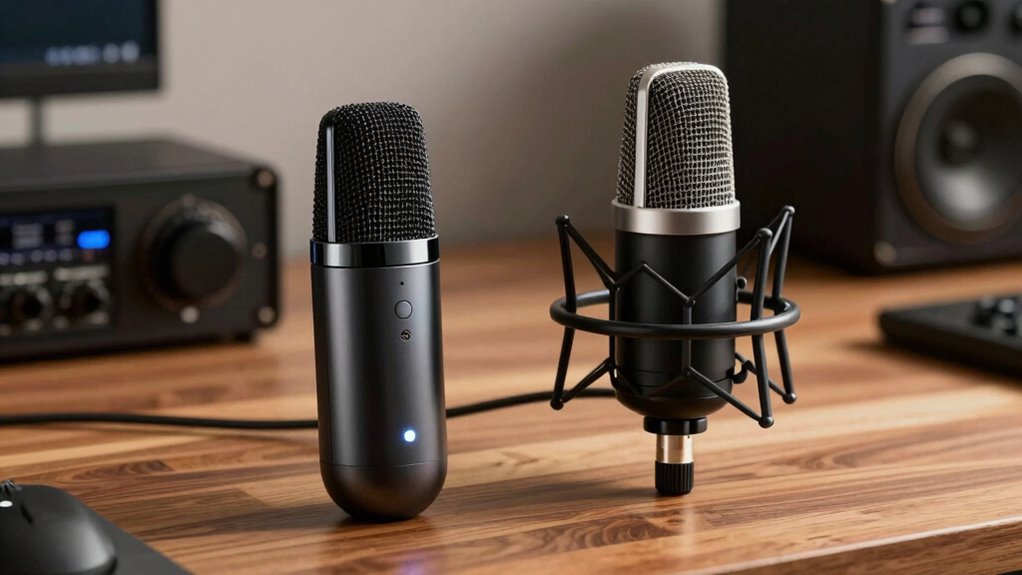
When choosing a microphone, understanding the differences between USB and XLR options is essential. USB microphones use simple microphone technology, making them easy to connect directly to your computer without extra equipment. They are great for beginners or quick setups, offering plug-and-play convenience. XLR microphones, on the other hand, rely on professional microphone technology and require audio interfaces to connect to your system. These interfaces convert analog signals into digital, providing higher sound quality and more control over your audio. While USB mics are portable and user-friendly, XLR mics are preferred for professional sound and flexibility. Knowing these distinctions helps you decide which microphone type suits your side hustle studio, balancing ease of use with quality and expandability. Additionally, understanding the testing accuracy of your audio gear ensures reliable performance for your recordings. Considering connectivity options is also important, especially if you plan to expand or upgrade your setup in the future, as it can impact the overall compatibility and expandability of your audio system.
XLR microphone with audio interface
As an affiliate, we earn on qualifying purchases.
As an affiliate, we earn on qualifying purchases.
How Easy Is It to Set Up a USB or XLR Microphone?
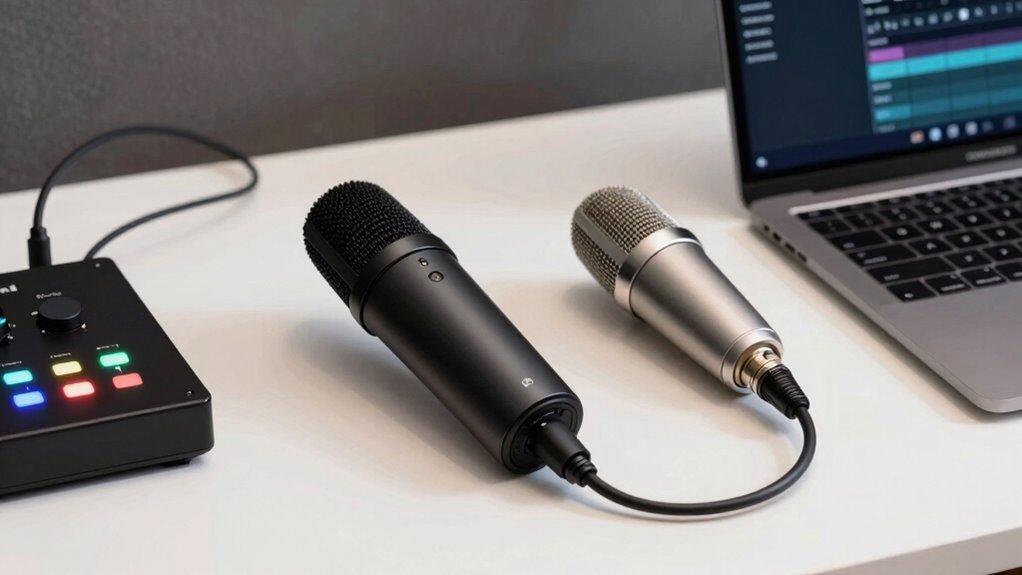
Setting up a USB microphone is typically straightforward and quick, making it ideal for beginners or those who want a hassle-free experience. You simply connect it to your computer via USB, and you’re ready to record. With minimal equipment, you can focus on microphone placement to improve sound quality. For best results, consider basic acoustic treatment, like foam panels, to reduce echo and background noise.
| Microphone Placement | Acoustic Treatment | Ease of Setup |
|---|---|---|
| Keep close to mouth | Use foam panels | Plug-and-play |
| Avoid background noise | Reduce reflections | No extra gear |
| Use a stable stand | Create a quiet space | Simple setup |
This simplicity makes USB mics perfect for quick setups, while XLR setups involve more gear and adjustments.
As an affiliate, we earn on qualifying purchases.
Do USB and XLR Mics Sound Different? Here’s What You Need to Know
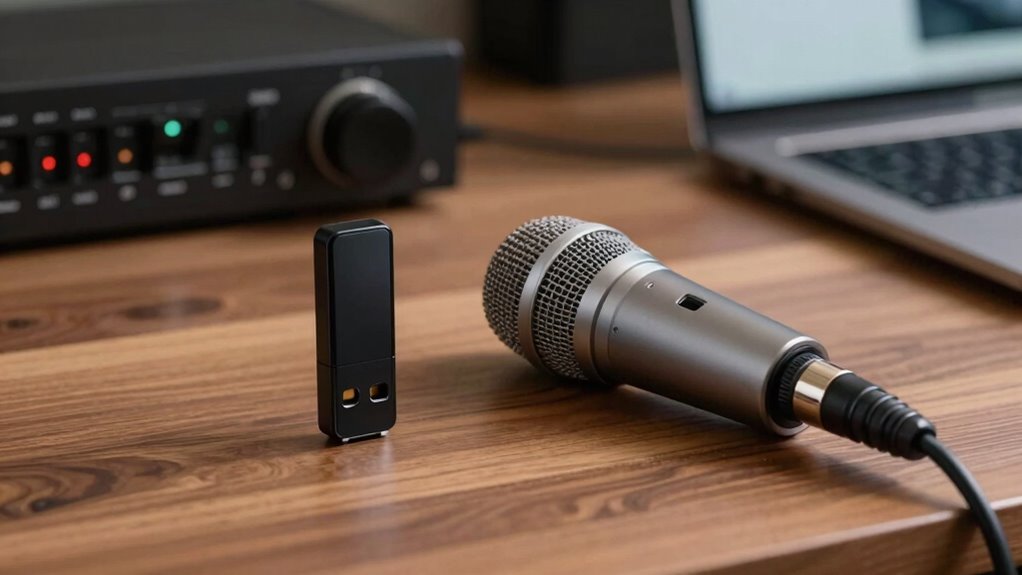
You might notice differences in sound quality between USB and XLR mics, but understanding why can help you choose the right one. The way each mic processes signals and the clarity of audio can vary considerably, impacting your recordings. Knowing these factors helps you decide which microphone best fits your needs. Additionally, factors such as sound differentiation techniques can influence the overall audio experience you get from each type.
Sound Quality Differences
Many factors influence how a microphone captures sound, but the core difference between USB and XLR mics lies in their sound quality. USB mics often have built-in converters, which can slightly color the sound and limit customization. XLR mics, paired with external audio interfaces, usually deliver a cleaner, more natural tone with better control over sound quality. Proper microphone placement is essential for both types—closer placement reduces background noise and enhances clarity. Here’s a quick comparison:
| Feature | USB Microphones | XLR Microphones | Best For |
|---|---|---|---|
| Sound Quality | Slightly colored, good for casual use | Clear, professional sound | Studio recording, podcasts |
| Flexibility | Limited by built-in components | Highly customizable | Advanced setups |
| Background Noise | More susceptible without proper placement | Less prone with quality gear | Noise-sensitive environments |
| Microphone Placement | Easier for beginners | Requires more setup | Precise sound control |
| Sound Control | Basic controls | Extensive options | Fine-tuning recordings |
Microphone Signal Types
The way microphones transmit audio signals directly affects how your recordings sound. USB mics send digital signals directly to your computer, simplifying setup and reducing interference. XLR mics, on the other hand, produce analog signals that require an audio interface for conversion. This impacts microphone placement, as XLR setups often give more flexibility in positioning for ideal sound. Additionally, the signal type influences your pop filter options; with XLR mics, you might need specialized mounts or pop filters to prevent plosive sounds, while USB mics often have built-in filters or easier attachment points. Understanding these differences helps you choose a microphone that fits your side hustle’s needs, ensuring cleaner recordings and more professional results.
Audio Clarity Variations
Because of their different designs, USB and XLR microphones can produce noticeable differences in audio clarity. USB mics often include built-in converters and preamps, which can limit their frequency response and make the sound less detailed. This can lead to a narrower frequency response range, affecting the richness and depth of your recordings. XLR mics, especially high-quality models, generally offer better audio clarity because they rely on external audio interfaces that can improve sound fidelity. Additionally, USB mics tend to pick up more background noise, especially in less controlled environments, reducing overall clarity. With XLR mics, you have more control over your setup, allowing you to minimize background noise and achieve clearer, more professional-sounding audio. Research supports that XLR microphones often deliver a more nuanced view of sound quality, enhancing overall recording professionalism.
As an affiliate, we earn on qualifying purchases.
Can You Expand or Upgrade Your Microphone Setup Later?
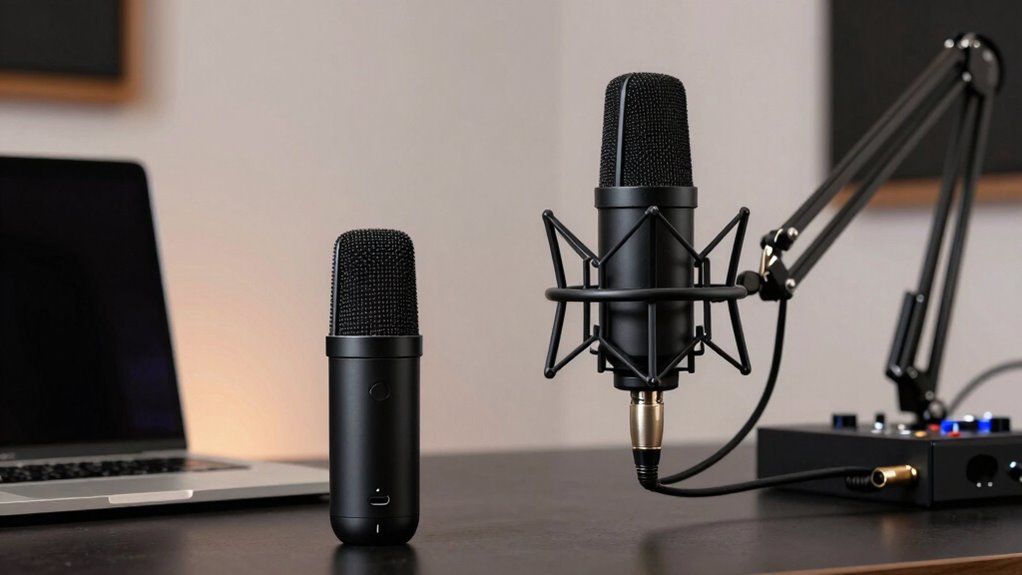
You can often expand or upgrade your microphone setup later, but compatibility with your existing equipment matters. Upgrading sound quality usually costs more, especially if you’re switching from USB to XLR. Consider how each option fits your budget and future plans before making changes. Additionally, choosing the right performance parts can significantly impact your overall audio quality and flexibility. Being aware of audio interface compatibility can help ensure seamless upgrades down the line. Researching compatibility considerations can help you make more informed decisions about future upgrades.
Compatibility With Equipment
When considering your microphone setup, understanding compatibility with your existing or future equipment is essential. USB microphones are typically plug-and-play, making them easy to upgrade or replace without concern for power requirements or wireless connectivity. In contrast, XLR mics often need additional gear like audio interfaces or mixers, which can support various connectivity options and power sources. Properly mastering home audio equipment can ensure a smoother upgrade process and better overall sound quality. Additionally, understanding dog breeds overview and their specific needs can help ensure your recording environment is accommodating and comfortable. Being aware of microphone compatibility can also assist in making informed decisions about expanding or enhancing your setup later on.
Cost of Upgrades
Upgrading your microphone setup involves varying costs depending on whether you choose a USB or XLR system. USB mics are generally more affordable upfront, making them ideal for initial budget considerations. However, upgrading an XLR setup can be more costly, as it may require additional gear like mixers, audio interfaces, or cables.
- USB mics typically allow simple plug-and-play upgrades.
- XLR systems often need compatible audio interfaces for expansion.
- Long term investment in XLR gear can be more cost-effective if you plan to upgrade multiple components.
- Budget considerations should include potential future upgrades when choosing a system.
- Both options can be expanded, but XLR setups usually offer more flexibility for growth.
- System flexibility is an important factor to consider for long-term planning.
Understanding these factors helps you plan for future upgrades aligned with your long-term goals.
Sound Quality Improvements
While initial costs differ between USB and XLR microphones, the potential for improving sound quality through future upgrades varies considerably. With XLR mics, you can enhance sound quality by upgrading preamps, audio interfaces, or adding acoustic treatments and sound insulation to your space. Understanding audio upgrade options can help you make informed decisions about expanding your setup over time. USB mics are more limited; they often rely on built-in components, making upgrades less flexible. Additionally, understanding AI trends and creative applications can help you optimize your studio setup for better productivity and artistic expression.
Which Microphone Gives You the Best Value for Your Money?
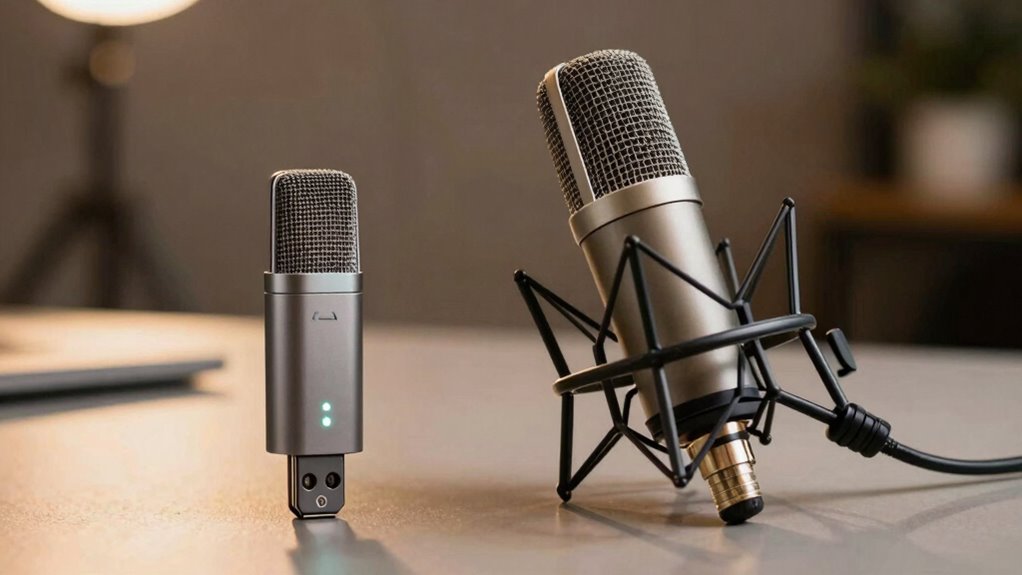
Choosing the right microphone often comes down to value, especially if you’re on a budget. To get the best bang for your buck, weigh factors like microphone durability and brand reputation. A durable mic lasts longer and withstands daily use, saving you replacement costs. Reputable brands typically offer better quality and customer support, ensuring you’re investing wisely. Additionally, selecting a microphone with easy maintenance can extend its lifespan and keep it performing optimally over time. Properly researching industry standards can help you identify microphones that meet your specific needs and offer reliable performance. It’s also beneficial to consider cabling and installation options that can impact your setup’s overall quality and longevity. Here are some key points to consider:
- Durability of materials and build quality
- Brand reputation for reliability
- Price relative to performance
- Included accessories or features
- User reviews and ratings
Ultimately, investing in a microphone from a trusted brand with solid durability can provide the best long-term value, even if the initial cost is slightly higher.
How to Choose the Right Microphone for Your Side Hustle

Selecting the right microphone for your side hustle is essential because it directly impacts the quality of your recordings and, ultimately, your success. Focus on microphone durability to guarantee it withstands frequent use, especially if you’re recording often or on the go. A sturdy build means your investment lasts longer and performs reliably. Additionally, consider brand reputation—trusted brands often deliver better quality, consistent performance, and reliable customer support. Well-known brands have established standards for manufacturing and durability, giving you confidence in your purchase. Keep in mind that a microphone with high durability and a solid reputation reduces the risk of needing replacements or repairs, saving you time and money. Ultimately, these factors help you choose a microphone that’s both dependable and suitable for your side hustle’s needs.
Top Tips for Picking the Best Microphone for Your Home Studio
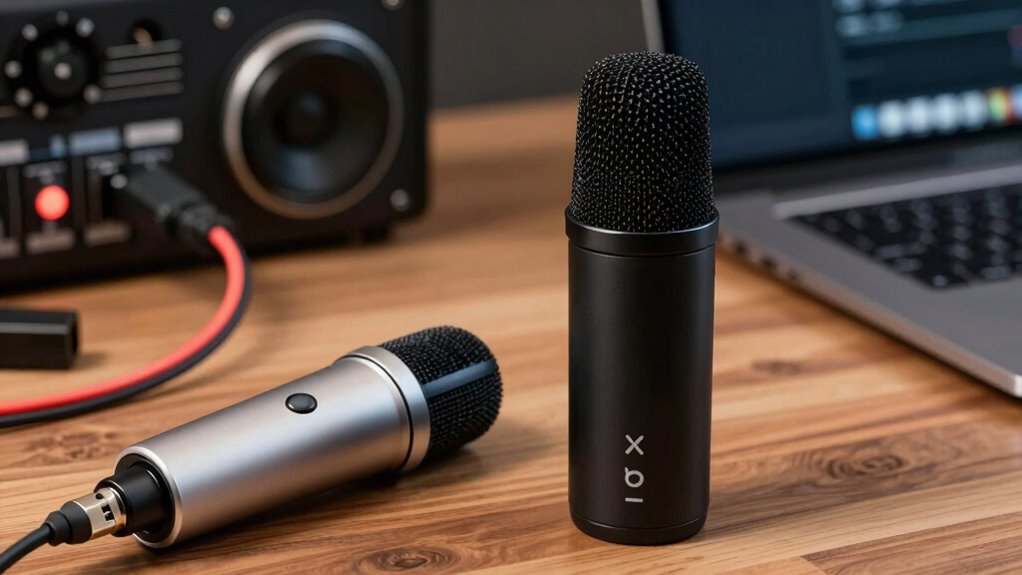
Setting up a home studio demands picking the right microphone to match your recording goals. To do this, consider factors like microphone durability, which guarantees your equipment withstands regular use, and brand reputation, giving you confidence in quality. When selecting, keep these tips in mind:
- Prioritize microphones with proven durability for long-term use
- Choose reputable brands known for quality and consistency
- Match microphone type (USB or XLR) to your recording setup and goals
- Check reviews for real-world performance insights
- Consider your budget but don’t compromise on quality or durability
Frequently Asked Questions
Can USB Microphones Be Used With Professional Audio Interfaces?
USB microphones typically can’t be used directly with professional audio interfaces because of digital compatibility issues. These mics are designed for plug-and-play ease with computers, offering a simple connection. To use a USB mic with an audio interface, you’d need a specialized converter or adapter. Otherwise, for professional setups, XLR mics are more versatile, providing better sound quality and compatibility with audio interfaces.
Are XLR Microphones Compatible With All Types of Audio Equipment?
XLR microphones are like universal keys—they generally work with most professional audio equipment, but compatibility isn’t guaranteed with all gear. You need to check the microphone’s connector and impedance, as well as the equipment’s input options. While XLR mics often offer better sound quality and durability, make sure your setup matches these specs for maximum performance. Think of it as choosing the right tool for the job, ensuring your sound is crisp and reliable.
How Do I Troubleshoot Common Issues With USB Microphones?
To troubleshoot common USB microphone issues, first check your microphone placement—ensure it’s close enough to your mouth but not too close to pick up breathing sounds. Adjust your noise reduction settings in your recording software to minimize background noise. Also, test different USB ports and cables to rule out connectivity problems. Restart your device if issues persist, and make sure your drivers are up to date for smooth performance.
Do XLR Microphones Require Additional Accessories or Equipment?
XLR microphones are like the sturdy oak trees of your studio—they often require extra gear. You’ll need an audio interface to connect, which acts as the bridge between your mic and computer, providing power and converting analog to digital signals. Consider their durability and power needs; a good audio interface guarantees your XLR mic performs reliably, transforming your recordings into a symphony of professional sound.
Which Microphone Type Is Better for Live Streaming?
For live streaming, USB microphones are better because they offer wireless connectivity and simple setup, letting you move freely and avoid tangled cables. They deliver clear vocal clarity directly to your computer without extra equipment. This makes them ideal for quick, hassle-free streaming sessions. XLR mics, while professional, often require additional hardware and aren’t as convenient for live streaming, especially if mobility and ease of use are priorities.
Conclusion
Choosing between USB and XLR microphones depends on your needs and budget. Remember, “the best tool is the one you actually use,” so pick what fits your setup and goals. Whether you want quick plug-and-play convenience or room to grow, both options have their perks. Trust your instincts, do your research, and you’ll find the perfect mic to kickstart your side hustle studio. Happy recording!
Fall Picks
fall essentials
As an affiliate, we earn on qualifying purchases.