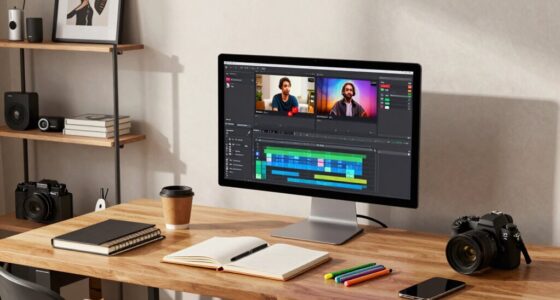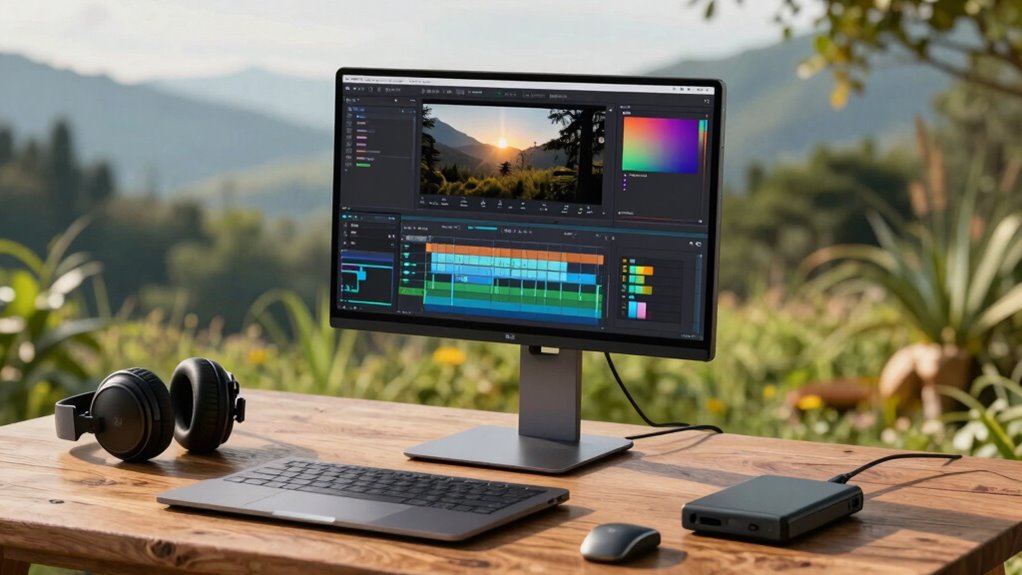
To get the best results with a portable monitor on the road, make sure it’s properly calibrated for accurate colors using calibration tools or software, and choose one with a wide color gamut like sRGB or Adobe RGB. Use reliable connectivity options like USB-C for power and data, and keep an eye on power management with a portable power bank if needed. Prioritize a lightweight, durable design for easy travel. For more tips, you’ll discover how to optimize your setup for professional-quality editing everywhere.

Get smart everyday buys delivered free with Prime
- Fast, free delivery on millions of items
- Prime Video, Amazon Music and more included
- Member-only deals all year
Key Takeaways
- Ensure the portable monitor has accurate color calibration tools and supports wide color gamuts like sRGB or Adobe RGB.
- Use calibration software and hardware (colorimeters) for consistent, precise color accuracy during editing sessions.
- Opt for a lightweight, durable monitor with USB-C connectivity and good battery life for seamless on-the-go use.
- Prioritize high-resolution screens (at least 1080p, preferably 4K) to maintain detail and workspace efficiency.
- Carry portable power sources like power banks to ensure uninterrupted workflow in various locations.
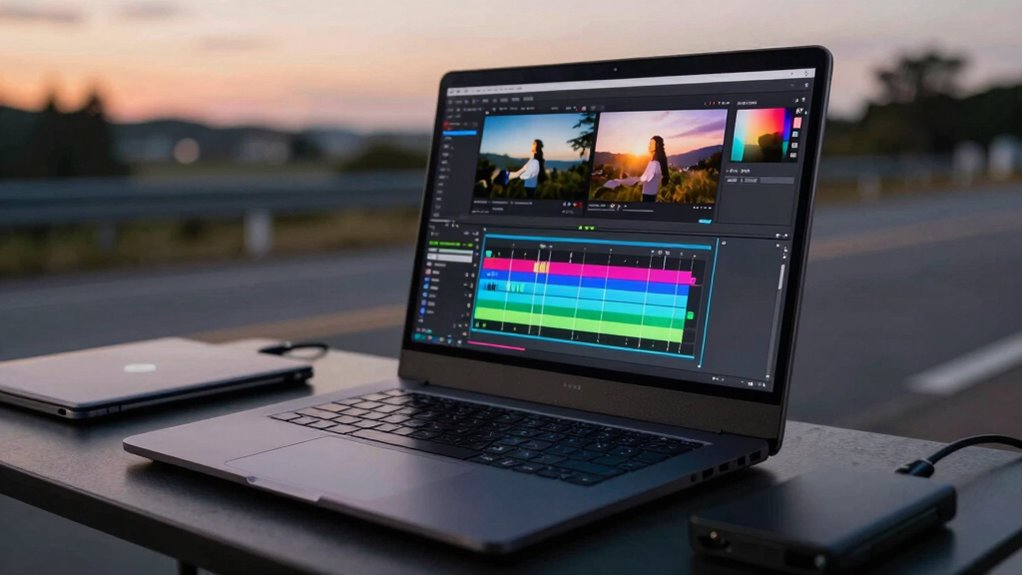
If you’re serious about video editing on the go, a portable monitor can considerably enhance your workflow. It provides extra screen real estate, making it easier to see your timeline, color grading, and details without constantly switching between windows. To get the most out of your portable monitor, you need to pay attention to how well it displays accurate colors. Color calibration is essential because your edits depend on precise color representation. Before you start editing, make sure your monitor supports hardware calibration or has built-in tools to adjust brightness, contrast, and color temperature. Some models come with calibration software, allowing you to fine-tune the display for consistent and accurate colors, especially when working on projects that demand high color fidelity. Ensuring your display covers a wide color gamut is crucial for maintaining true-to-life colors during editing. Additionally, understanding metamerism can help you recognize how different lighting conditions might affect your color perception, which is important for color-critical work. A colorimeter can be a valuable tool for achieving precise calibration and ensuring your monitor displays colors accurately across different lighting environments. Incorporating knowledge about Color calibration techniques can further improve your workflow and color accuracy. Being aware of color fidelity can help you maintain consistency across different devices and outputs, which is essential in professional video production.
Ensure your portable monitor offers hardware calibration or built-in tools for accurate, high-fidelity color display during editing.
Power management is another key aspect when using a portable monitor on the road. Since you’ll likely be working away from power outlets, choose a monitor with good battery life or one that can be powered via USB-C or other portable power sources. Many modern portable monitors are designed with energy efficiency in mind, which means you can work longer without constantly hunting for an outlet. Keep in mind that some monitors consume more power due to their larger screens or higher resolutions, so balancing display quality and power consumption is vital. Carrying a portable power bank or an extra charging cable can also guarantee uninterrupted workflow during long editing sessions or travel days.
In addition to calibration and power management, consider the display size and resolution. A larger screen with a high resolution (at least 1080p, preferably 4K if your laptop supports it) will give you better detail and more workspace, which is invaluable for editing videos. Make sure the monitor’s color gamut covers sRGB or Adobe RGB, so your colors are as true-to-life as possible. Connectivity options matter too; USB-C is ideal because it can transmit video, data, and power through a single cable, reducing clutter and setup time. Some monitors also offer touchscreen capabilities, which can make navigation and adjustments more intuitive.
Finally, think about portability. The best portable monitor is lightweight, slim, and durable enough to withstand travel. When combined with proper calibration, efficient power management, and smart connectivity choices, your portable setup will become a powerful tool for editing videos anywhere. With these considerations in mind, you’ll be able to deliver high-quality, color-accurate edits whether you’re in a coffee shop or on a remote location.
portable monitor with hardware calibration
As an affiliate, we earn on qualifying purchases.
As an affiliate, we earn on qualifying purchases.
Frequently Asked Questions
How Do I Connect a Portable Monitor to Different Laptop Brands?
To connect a portable monitor to different laptop brands, first check the USB-C compatibility of both devices. Many modern laptops support video output through USB-C, making setup easy. If your laptops lack USB-C, use appropriate adapters, like HDMI or DisplayPort. For a smooth portable monitor setup, confirm your cables are compatible and secure. Keep drivers updated, and select the right input source on the monitor for seamless video editing on the road.
What Is the Battery Life of Portable Monitors During Editing Sessions?
During editing sessions, your portable monitor’s battery performance typically lasts between 3 to 8 hours, depending on usage and screen brightness. To extend this, you should enable power management features and reduce brightness levels. Keep in mind that intensive editing can drain the battery faster, so carrying a portable charger or power bank is a smart move to guarantee continuous workflow on the road.
Are Portable Monitors Compatible With Macbook and Windows Devices?
You’ll find that portable monitors generally play nicely with both MacBook and Windows devices, especially when they feature wireless connectivity options. Keep in mind, their lightweight nature makes them easy to carry around, enhancing your editing experience on the go. As long as your devices support the monitor’s input methods, you’ll enjoy seamless compatibility, making your workflow smooth and enjoyable, wherever your creative journey takes you.
How Do I Calibrate Color Accuracy on a Portable Monitor?
You calibrate color accuracy on your portable monitor by using calibration software and color profiling tools. First, connect your monitor to a color calibrator, then run the calibration software to create an accurate color profile. Follow the on-screen instructions to adjust gamma, brightness, and color temperature. Regular calibration guarantees consistent, true-to-life colors, essential for precise video editing. This process helps maintain color accuracy whether you’re on the road or in the studio.
Can Portable Monitors Handle High-Resolution Video Editing Smoothly?
Yes, portable monitors can handle high-resolution video editing smoothly, but it depends on their resolution capabilities and hardware compatibility. While they offer impressive color calibration and crisp visuals, some models may struggle with demanding 4K projects if their processing power or refresh rates are limited. To guarantee seamless editing, choose a portable monitor with high resolution, good color accuracy, and a robust GPU, matching your workflow’s needs.
4K portable USB-C monitor for video editing
As an affiliate, we earn on qualifying purchases.
As an affiliate, we earn on qualifying purchases.
Conclusion
With your portable monitor as your trusty sidekick, you open a world where creativity flows as freely as a river. It turns your travel setup into a sleek, efficient studio, transforming any space into a sanctuary of precision and color. Embrace this lightweight marvel, and watch your editing prowess flourish on the road — a voyage where pixels dance and ideas come alive in vivid harmony. Your mobile workspace has never looked this inspiring.
color calibration tools for monitors
As an affiliate, we earn on qualifying purchases.
As an affiliate, we earn on qualifying purchases.
portable power bank for monitors
As an affiliate, we earn on qualifying purchases.
As an affiliate, we earn on qualifying purchases.
Halloween Picks
halloween
As an affiliate, we earn on qualifying purchases.